Complete Word to PDF Conversion Guide
Introduction
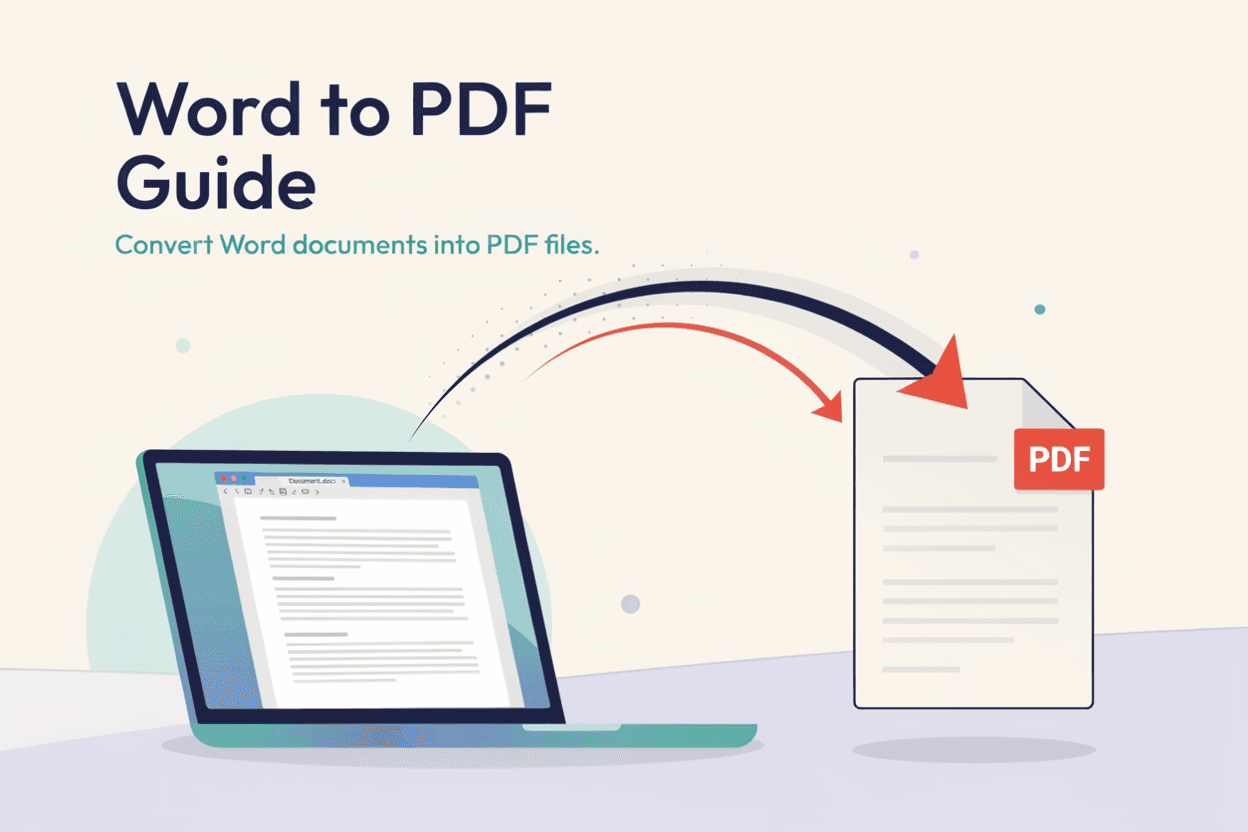
PDF has become the standard format for sharing finished documents, since it looks the same on any device. A Word to PDF Converter lets you turn your editable documents into a fixed, shareable format.
What is Word to PDF Conversion?
Word to PDF conversion is the process of turning an editable Word document (.doc or .docx) into a fixed-layout PDF file that preserves the exact formatting, fonts, and design.
Why is it Important?
Converting to PDF ensures your document appears the same on every device and operating system, prevents accidental edits, and is the preferred format for official submissions and printing.
How Does it Work?
The tool reads the Word document's content and layout, then renders it into a PDF, locking in fonts, spacing, and formatting exactly as they appear in the original file.
Step-by-Step Guide
- Open the Word to PDF Converter.
- Upload the Word document you want to convert.
- Click the Convert button.
- Wait for the conversion to complete.
- Download your finished PDF file.
Examples
Conversion Example
A resume created in Word with custom fonts and spacing converts into a PDF that looks identical on any device, ensuring consistent presentation.
Benefits
- Preserves exact formatting across all devices.
- Prevents unauthorized editing of the final document.
- Standard format for job applications and official submissions.
- Smaller, more portable file format for sharing.
- Free and accessible online.
Common Mistakes
- Not proofreading the Word document before converting to PDF.
- Using unusual fonts that may render differently in the PDF.
- Forgetting to check page breaks and layout after conversion.
- Converting drafts by mistake instead of the final version.
Frequently Asked Questions
Will my formatting stay exactly the same in the PDF?
Yes, PDF conversion is designed to lock in your Word document's formatting, fonts, and layout exactly as they appear.
Can I edit a PDF after converting from Word?
PDFs are not meant to be easily editable; if you need to make changes, it's best to edit the original Word file and convert again.
Does the PDF file preserve images and tables?
Yes, images, tables, and other embedded elements in the Word document are preserved in the converted PDF.
Is Word to PDF conversion free?
Yes, most basic Word to PDF converters, including ours, are free to use for standard documents.
Conclusion
A Word to PDF Converter ensures your documents look exactly as intended on any device, making it the go-to choice for finalized, shareable files.
Convert Word to PDF Now
Use our free Word to PDF Converter to finalize your documents instantly.
Open Word to PDF Converter