Complete PDF to Word Conversion Guide
Introduction
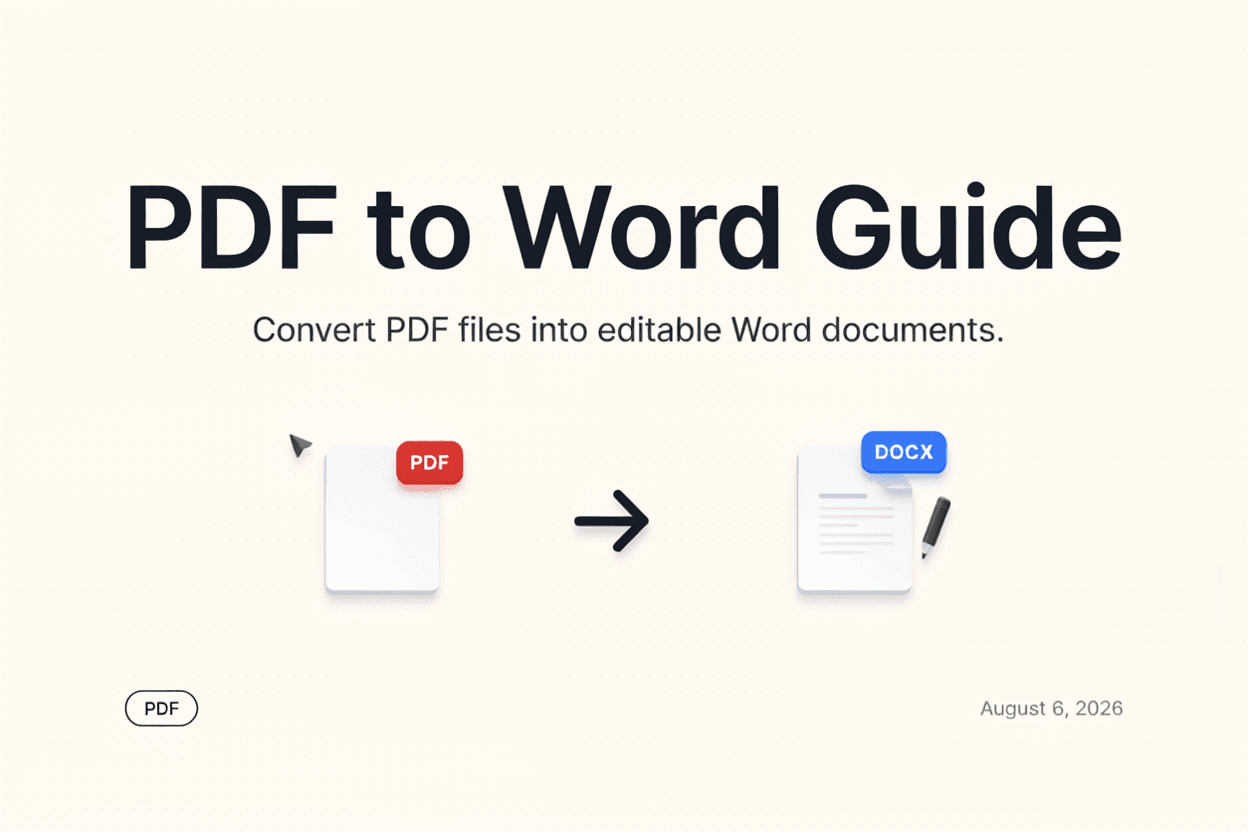
PDFs are great for sharing fixed-layout documents, but editing them directly isn't easy. A PDF to Word Converter turns your PDF into an editable Word document so you can make changes freely.
What is PDF to Word Conversion?
PDF to Word conversion is the process of transforming a PDF file into an editable Word document (.docx), preserving as much of the original text, formatting, and layout as possible.
Why is it Important?
Converting to Word is essential when you need to edit contracts, forms, or reports that were originally shared as PDFs, saving you from retyping content manually.
How Does it Work?
The tool analyzes the PDF's text, layout, images, and formatting, then reconstructs this content into a Word-compatible document structure that can be opened and edited in Word or similar apps.
Step-by-Step Guide
- Open the PDF to Word Converter.
- Upload the PDF file you want to convert.
- Click the Convert button.
- Wait for the conversion to process.
- Download your editable Word document.
Examples
Conversion Example
A 5-page PDF report with headings, paragraphs, and a table converts into a Word document where each element remains editable and properly formatted.
Benefits
- Makes PDF content fully editable in Word.
- Saves time compared to manually retyping text.
- Preserves formatting, images, and layout where possible.
- Useful for editing contracts, resumes, and reports.
- Free and accessible online.
Common Mistakes
- Expecting perfect formatting preservation for complex layouts.
- Converting scanned PDFs without OCR, resulting in non-editable text.
- Not reviewing the converted document for formatting errors before use.
- Assuming all fonts will transfer exactly if they aren't standard fonts.
Frequently Asked Questions
Can I convert scanned PDFs to Word?
Scanned PDFs require OCR (Optical Character Recognition) to extract editable text, so make sure your converter supports OCR for scanned documents.
Will the formatting stay exactly the same?
Most converters preserve formatting closely, but complex layouts with multiple columns or unusual fonts may need minor adjustments after conversion.
Is the converted Word file editable immediately?
Yes, once converted, you can open the file in Word or any compatible editor and make changes right away.
Does conversion work with password-protected PDFs?
Password-protected PDFs typically need to be unlocked first before they can be converted.
Conclusion
A PDF to Word Converter saves significant time when you need to edit PDF content, turning static documents into fully editable Word files in just a few clicks.
Convert PDF to Word Now
Use our free PDF to Word Converter to make your PDFs editable instantly.
Open PDF to Word Converter