Complete PDF Merger Guide
Introduction
Managing multiple separate PDF files can get messy, especially when they belong together. A PDF Merger combines several PDF documents into a single, organized file in just a few clicks.
What is a PDF Merger?
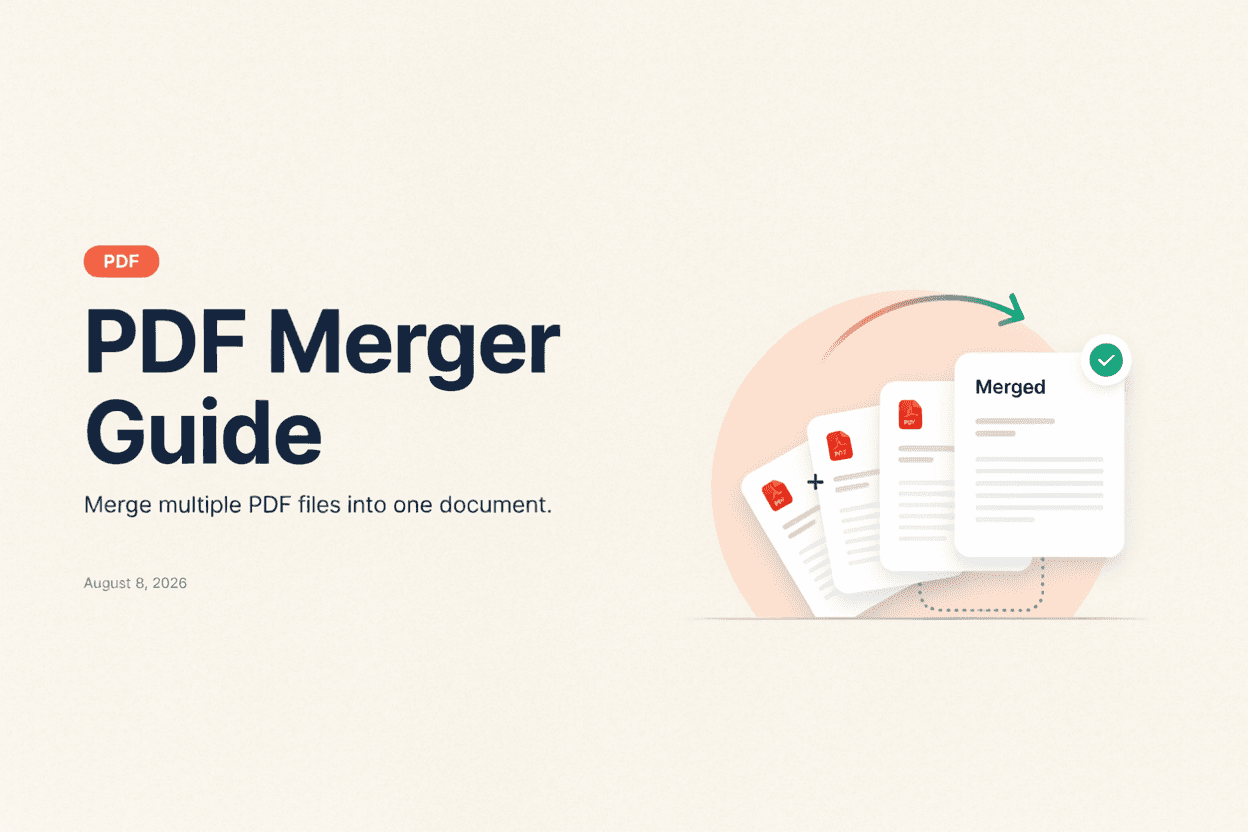
A PDF Merger is a tool that combines two or more PDF files into a single document, preserving the page order and content of each original file.
Why is it Important?
Merging PDFs is useful for combining reports, invoices, scanned documents, or chapters into one file, making it easier to share, print, or archive related content together.
How Does it Work?
The tool reads the pages from each uploaded PDF file and combines them in the order you specify into a single new PDF document, without altering the original page content.
Step-by-Step Guide
- Open the PDF Merger.
- Upload the PDF files you want to combine.
- Arrange the files in your desired order.
- Click the Merge button.
- Download your combined PDF document.
Examples
Merging Example
Three separate invoice PDFs can be merged into a single file, making it easier to send all invoices to a client in one document.
Benefits
- Combines multiple files into one organized document.
- Saves time compared to manually copying pages.
- Preserves original formatting and page order.
- Simplifies sharing and archiving of related documents.
- Free and accessible online.
Common Mistakes
- Uploading files in the wrong order without rearranging them.
- Merging password-protected PDFs without unlocking them first.
- Not checking the final merged file for missing pages.
- Merging unrelated documents that would be clearer as separate files.
Frequently Asked Questions
Can I change the order of pages after merging?
It's best to arrange files in the correct order before merging, though some tools also let you rearrange individual pages afterward.
Is there a limit to how many PDFs I can merge?
Most online mergers can combine several files at once, though very large batches may need to be split into smaller merges.
Will merging affect the quality of my PDFs?
No, merging simply combines the existing pages without recompressing or altering their content.
Can I merge password-protected PDFs?
Password-protected files typically need to be unlocked before they can be merged with other documents.
Conclusion
A PDF Merger is a simple way to combine related documents into a single, organized file, saving time and keeping your files easier to manage.
Merge Your PDFs Now
Use our free PDF Merger to combine multiple PDF files instantly.
Open PDF Merger