Complete PDF Splitter Guide
Introduction
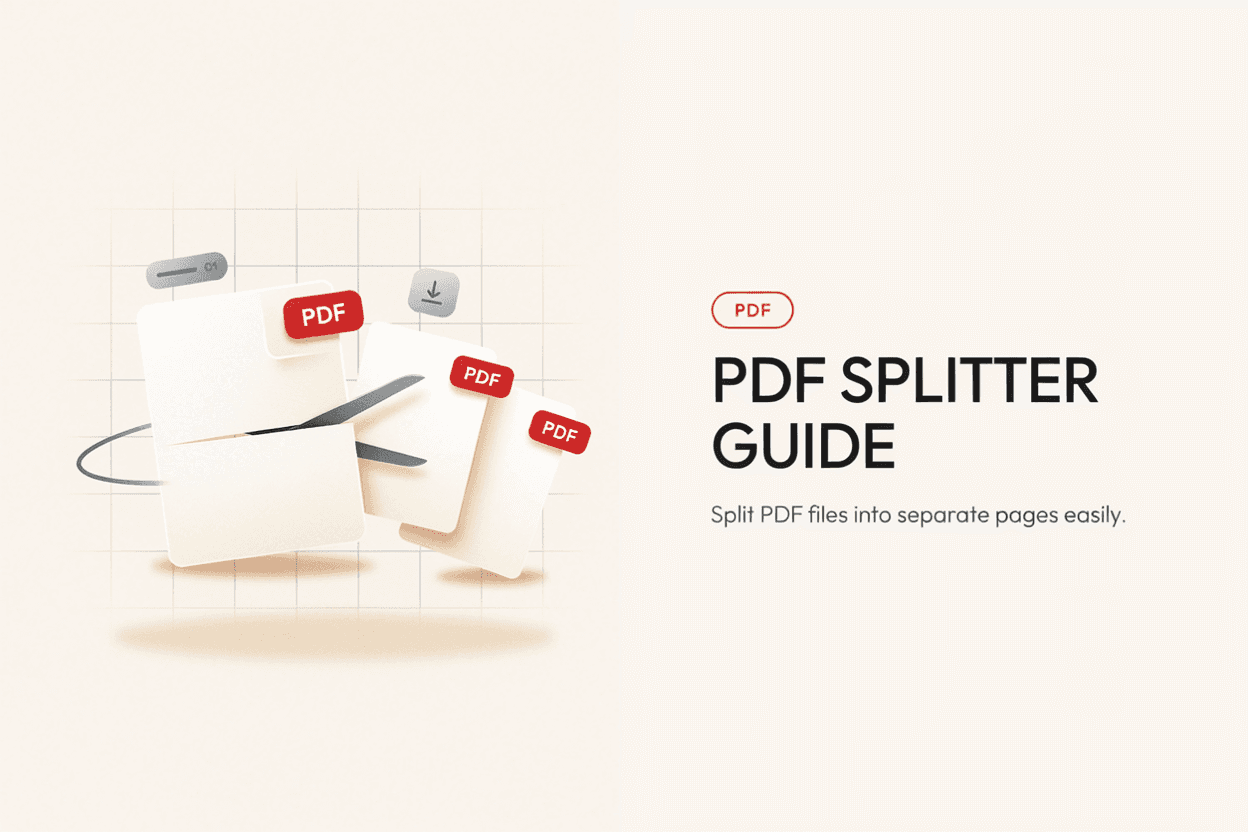
Sometimes you only need a few pages from a large PDF, not the whole document. A PDF Splitter lets you extract specific pages or break a file into smaller, separate PDFs.
What is a PDF Splitter?
A PDF Splitter is a tool that divides a single PDF file into multiple smaller PDF files, either by extracting specific pages or splitting at defined intervals.
Why is it Important?
Splitting PDFs is useful for isolating specific chapters or sections, sharing only relevant pages with others, and reducing large files into smaller, more manageable documents.
How Does it Work?
The tool reads the page structure of the uploaded PDF and generates new PDF files based on the page ranges or split points you select, keeping the original content unchanged.
Step-by-Step Guide
- Open the PDF Splitter.
- Upload the PDF file you want to split.
- Select the pages or ranges to extract.
- Click the Split button.
- Download your separated PDF files.
Examples
Splitting Example
A 50-page report can be split into individual chapter PDFs, such as pages 1-10 for the introduction and 11-25 for the main analysis.
Benefits
- Extracts only the pages you need.
- Reduces large files into smaller, shareable documents.
- Preserves original formatting and content quality.
- Useful for organizing lengthy reports or ebooks.
- Free and accessible online.
Common Mistakes
- Selecting the wrong page range and missing important content.
- Splitting password-protected PDFs without unlocking them first.
- Not double-checking the output files before deleting the original.
- Splitting into too many small files, making the content harder to manage.
Frequently Asked Questions
Can I split a PDF into individual single-page files?
Yes, most PDF splitters let you extract each page as its own separate file if needed.
Will splitting affect the quality of my PDF pages?
No, splitting simply separates existing pages without altering their content or quality.
Can I split specific non-consecutive pages?
Yes, many splitters allow you to select custom page ranges, including non-consecutive pages, depending on the tool's features.
Do I need special software to split a PDF?
No, online PDF splitters let you do this directly in your browser without installing any software.
Conclusion
A PDF Splitter makes it easy to extract exactly the pages you need from a larger document, helping you organize and share content more efficiently.
Split Your PDF Now
Use our free PDF Splitter to extract pages from your PDF instantly.
Open PDF Splitter