Complete QR Code Generator Guide
Introduction
QR codes have become a fast, contactless way to share links, text, and information. A QR Code Generator lets you create custom QR codes in seconds for websites, menus, business cards, and more.
What is a QR Code Generator?
A QR Code Generator is a tool that converts text, URLs, or other data into a scannable QR code image that can be read by smartphone cameras or QR scanner apps.
Why is it Important?
QR codes make it easy to share information without typing, bridging the gap between physical and digital experiences — useful for marketing, payments, contact sharing, and event check-ins.
How Does it Work?
The generator encodes your input data (like a URL or text) into a matrix of black and white squares following the QR code standard, which can then be decoded instantly by any QR scanner.
Step-by-Step Guide
- Open the QR Code Generator.
- Enter the URL, text, or data you want to encode.
- Customize the QR code size or color if needed.
- Click the Generate button.
- Download or share your QR code image.
Examples
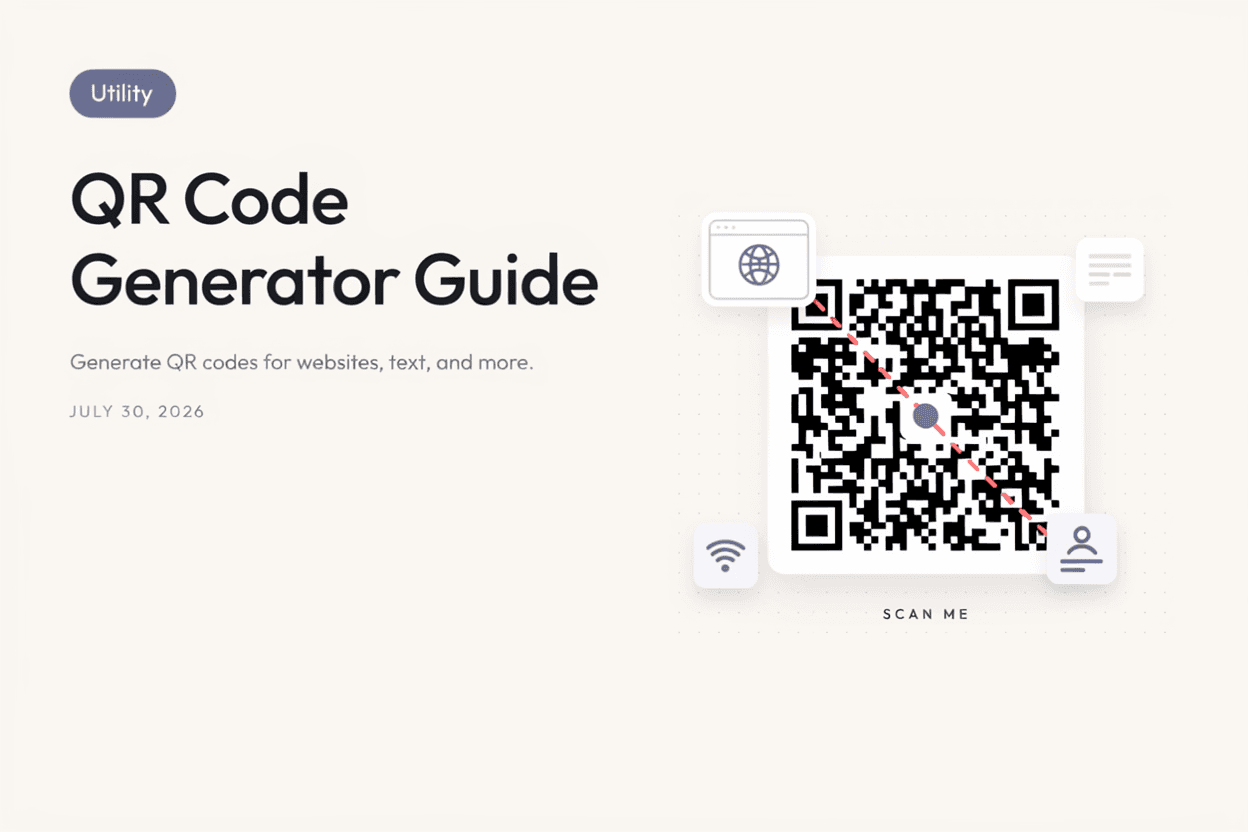
QR Code Generation Example
Entering a website URL like 'example.com' generates a scannable QR code that opens the site instantly when scanned with a phone camera.
Benefits
- Generates QR codes instantly and for free.
- Supports URLs, text, and other data types.
- Useful for marketing, business, and personal use.
- No app installation required to create codes.
- Downloadable and easy to share or print.
Common Mistakes
- Entering an incorrect or broken URL.
- Making the QR code too small to scan reliably when printed.
- Using low contrast colors that reduce scannability.
- Not testing the QR code before printing or publishing it widely.
Frequently Asked Questions
Do QR codes expire?
Static QR codes generated from fixed data do not expire, though the destination content (like a webpage) may change or go offline.
Can I customize the design of my QR code?
Yes, many generators let you adjust color and size, though maintaining sufficient contrast is important for scannability.
What can I encode into a QR code?
You can encode URLs, plain text, contact details, Wi-Fi credentials, and more, depending on the generator's features.
Do I need an app to scan a QR code?
Most modern smartphones can scan QR codes directly through the built-in camera app without needing a separate scanner app.
Conclusion
A QR Code Generator is a fast, free way to bridge physical and digital content, making it easy for anyone to share links and information with a simple scan.
Generate a QR Code Now
Use our free QR Code Generator to create custom QR codes instantly.
Open QR Code Generator