Complete Image Resizer Guide
Introduction
Uploading an oversized or incorrectly sized image can slow down websites or fail to meet platform requirements. An Image Resizer lets you adjust image dimensions quickly while preserving quality.
What is an Image Resizer?
An Image Resizer is a tool that changes the width and height of an image to a specified size, either by exact pixel dimensions or by percentage scaling.
Why is it Important?
Correctly sized images improve website loading speed, meet social media and platform requirements, and ensure a consistent, professional appearance across devices.
How Does it Work?
The tool takes your uploaded image and recalculates its pixel dimensions based on your input, using interpolation techniques to resize the image while minimizing quality loss.
Step-by-Step Guide
- Open the Image Resizer.
- Upload the image you want to resize.
- Enter your desired width and height, or choose a percentage.
- Click the Resize button.
- Download your resized image.
Examples
Image Resizing Example
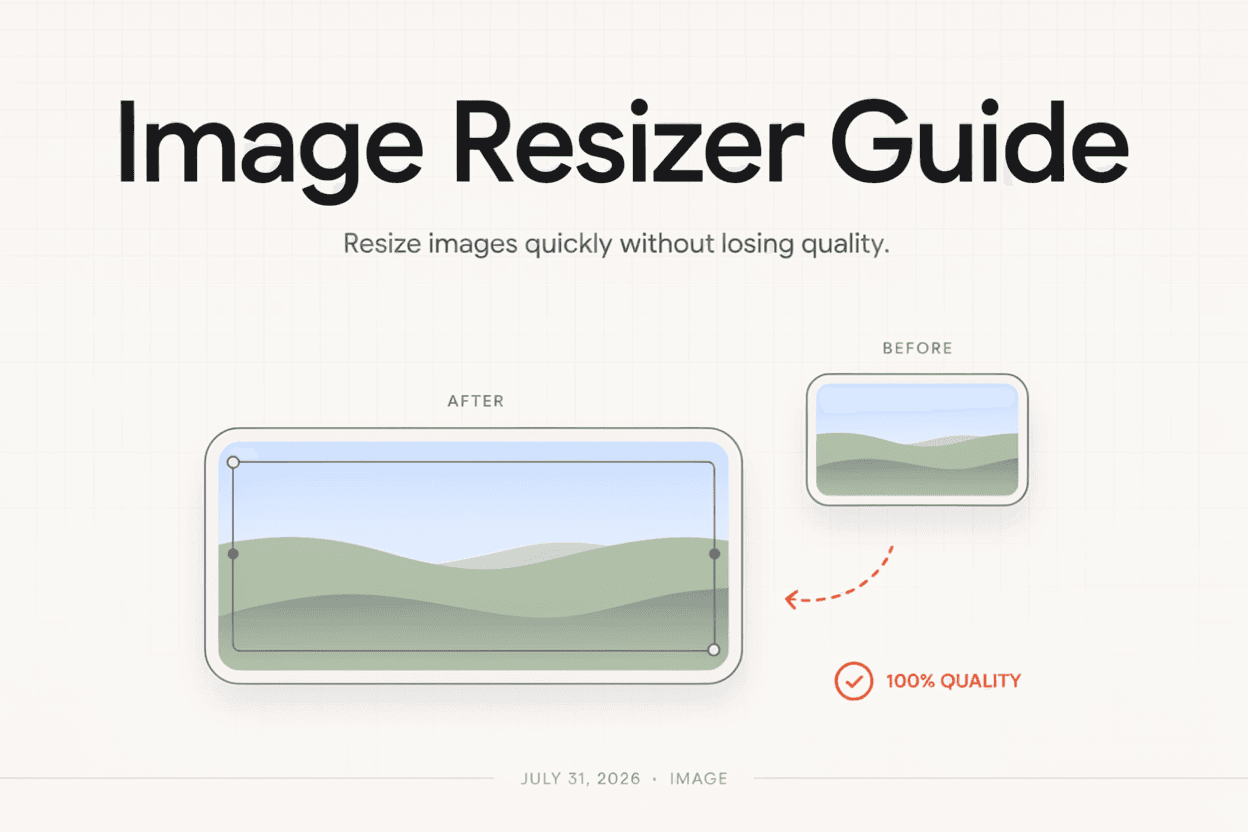
A 3000x2000 pixel photo resized to 1200x800 pixels retains the same aspect ratio while significantly reducing file size for faster loading.
Benefits
- Reduces file size for faster website loading.
- Ensures images meet platform size requirements.
- Maintains aspect ratio to avoid distortion.
- Quick and easy to use without design software.
- Free and accessible online.
Common Mistakes
- Resizing without locking the aspect ratio, causing stretched images.
- Enlarging small images too much, leading to pixelation.
- Not checking platform-specific size requirements before resizing.
- Overcompressing images to the point of visible quality loss.
Frequently Asked Questions
Will resizing reduce my image quality?
Reducing image size generally preserves quality well, while significantly enlarging a small image can cause blurriness or pixelation.
Can I resize multiple images at once?
Many image resizers support batch resizing, though this depends on the specific tool's features.
What's the difference between resizing and cropping?
Resizing changes the overall dimensions of the entire image, while cropping removes portions of the image to change its framing.
Which file formats can I resize?
Most image resizers support common formats like JPG, PNG, and WebP.
Conclusion
An Image Resizer makes it simple to adjust image dimensions for websites, social media, or personal use, without needing complex design software.
Resize Your Image Now
Use our free Image Resizer to adjust image dimensions instantly.
Open Image Resizer