Complete Image Cropper Guide
Introduction
Sometimes an image just needs a tighter frame — removing unwanted background or focusing on a specific subject. An Image Cropper lets you trim images to the exact area you want.
What is an Image Cropper?
An Image Cropper is a tool that lets you select and cut out a specific portion of an image, removing everything outside the chosen area.
Why is it Important?
Cropping helps you focus attention on the important part of an image, match specific aspect ratios for social media or profile pictures, and remove unwanted elements from a photo.
How Does it Work?
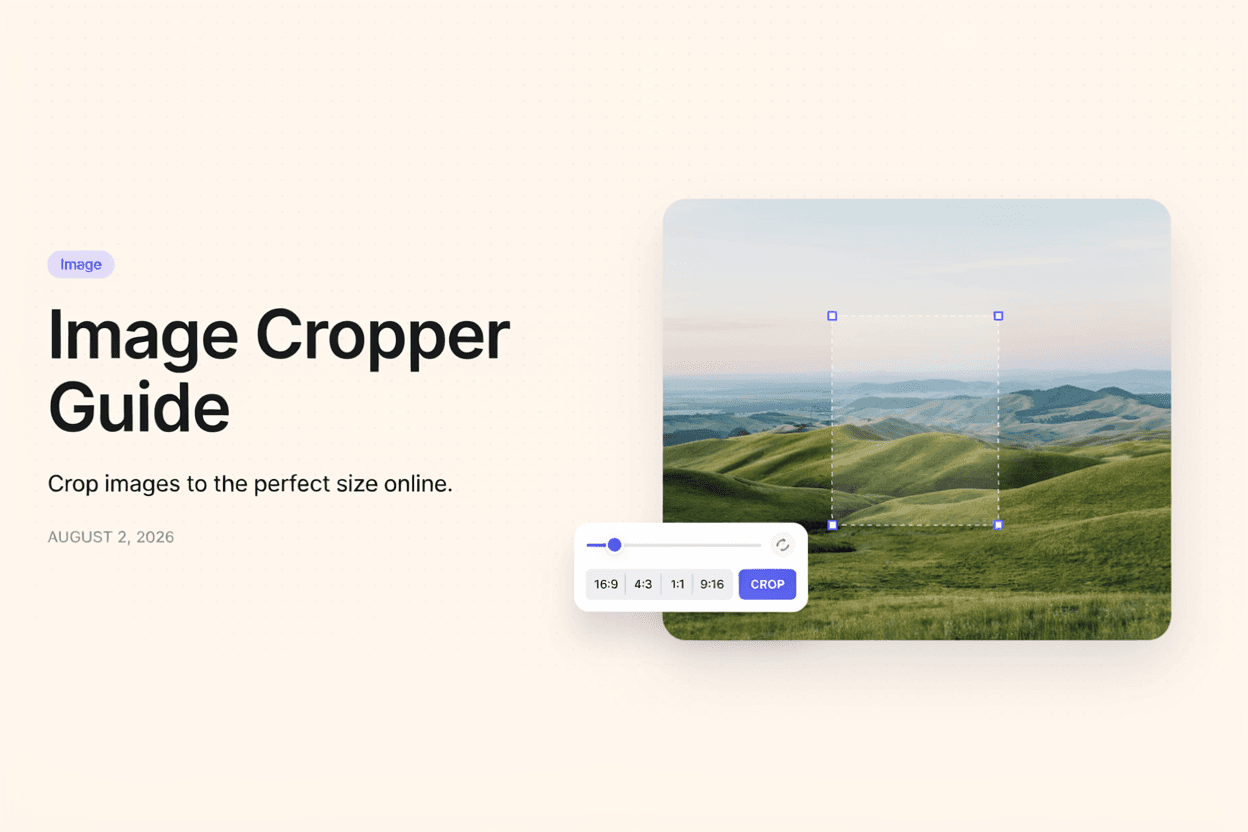
The tool overlays a selection box on your uploaded image, letting you drag and resize it to define the crop area, then generates a new image containing only the selected region.
Step-by-Step Guide
- Open the Image Cropper.
- Upload the image you want to crop.
- Drag the selection box to your desired crop area.
- Adjust the aspect ratio if needed.
- Click Crop and download your image.
Examples
Image Cropping Example
Cropping a wide landscape photo to a 1:1 square ratio makes it ready for use as a profile picture without distorting the subject.
Benefits
- Removes unwanted background or elements.
- Matches specific platform aspect ratio requirements.
- Improves composition and focus on the subject.
- Quick and easy without design software.
- Free and accessible online.
Common Mistakes
- Cropping too tightly and cutting off important parts of the subject.
- Ignoring the required aspect ratio for the intended platform.
- Cropping low-resolution images too much, resulting in pixelation.
- Not previewing the final crop before downloading.
Frequently Asked Questions
Will cropping reduce my image quality?
Cropping itself doesn't reduce quality, but the resulting image will have lower resolution since part of the original pixels are removed.
Can I crop an image to a specific aspect ratio?
Yes, most image croppers let you lock the selection to common ratios like 1:1, 4:3, or 16:9.
What's the difference between cropping and resizing?
Cropping removes part of the image to change its framing, while resizing scales the entire image up or down without removing content.
Can I undo a crop after downloading?
No, cropping permanently removes the cropped-out portion, so it's best to keep a copy of the original image.
Conclusion
An Image Cropper gives you precise control over framing and composition, making it easy to prepare images for social media, profiles, or any specific use case.
Crop Your Image Now
Use our free Image Cropper to trim your images to the perfect size.
Open Image Cropper