Complete Image Compressor Guide
Introduction
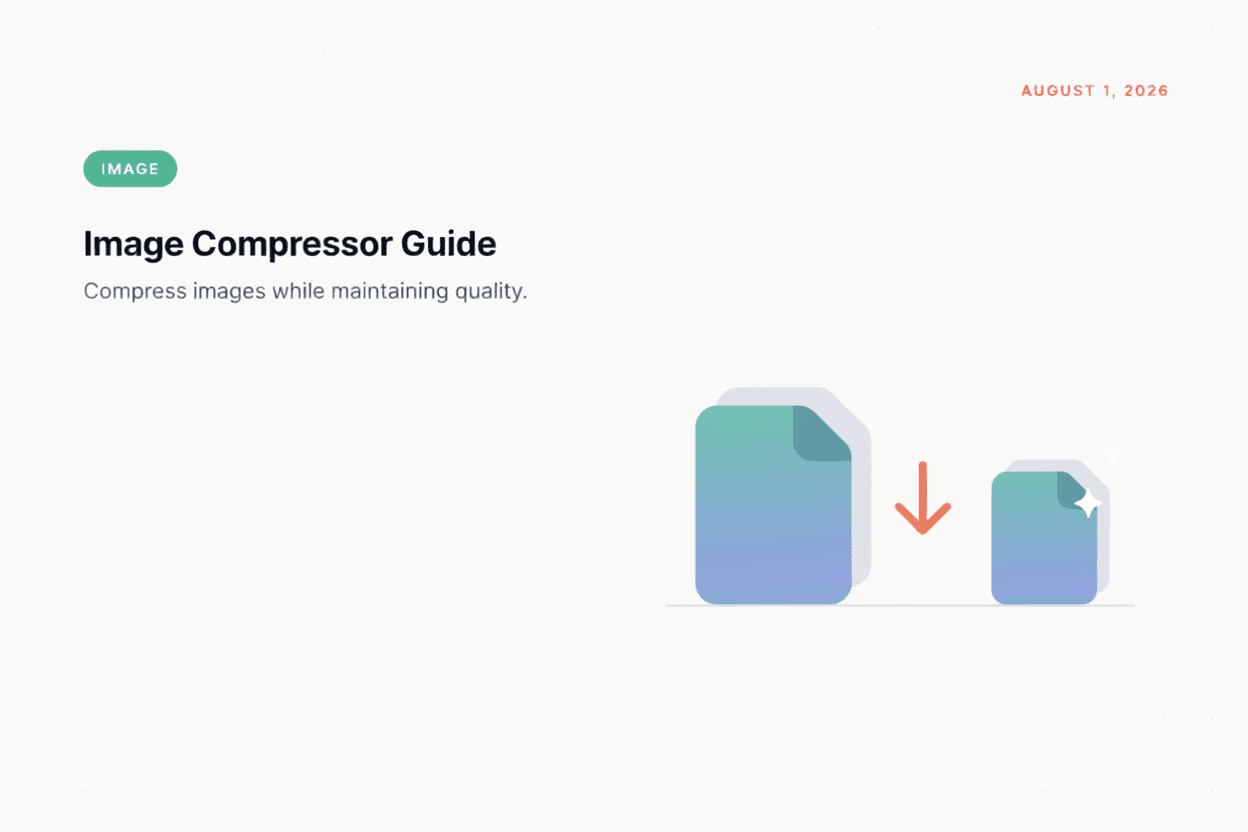
Large image files can slow down websites and eat up storage space. An Image Compressor reduces file size while keeping visual quality as close to the original as possible.
What is an Image Compressor?
An Image Compressor is a tool that reduces the file size of an image by removing unnecessary data or optimizing pixel information, using either lossless or lossy compression techniques.
Why is it Important?
Smaller image files load faster on websites, use less bandwidth and storage, and improve overall user experience, which is especially important for SEO and mobile users.
How Does it Work?
The tool analyzes the image data and reduces file size either by removing redundant metadata (lossless) or by simplifying pixel information in ways that are minimally visible to the eye (lossy).
Step-by-Step Guide
- Open the Image Compressor.
- Upload the image you want to compress.
- Choose your compression level (if available).
- Click the Compress button.
- Download your optimized image.
Examples
Image Compression Example
A 5MB JPG photo compressed with moderate settings can often be reduced to under 500KB with little to no visible difference in quality.
Benefits
- Significantly reduces file size.
- Speeds up website and page load times.
- Saves storage space on devices and servers.
- Maintains visual quality at reasonable compression levels.
- Free and accessible online.
Common Mistakes
- Over-compressing images, causing visible quality loss.
- Compressing already-compressed images repeatedly, degrading quality further.
- Ignoring format choice, when a different format could compress better.
- Not checking the final file size against platform requirements.
Frequently Asked Questions
Does compression always reduce image quality?
Lossless compression preserves full quality, while lossy compression reduces file size further but may cause slight quality loss depending on the setting.
What's the best format for compressed images on the web?
WebP often provides smaller file sizes than JPG or PNG at similar quality levels, making it popular for web use.
How much can I compress an image?
This depends on the original image and desired quality, but most photos can be compressed by 50-80% with minimal visible difference.
Is compressing images important for SEO?
Yes, faster-loading pages due to smaller images can improve search rankings and user experience.
Conclusion
An Image Compressor helps you reduce file sizes without sacrificing much visual quality, making your website faster and more efficient.
Compress Your Image Now
Use our free Image Compressor to reduce file size instantly.
Open Image Compressor