Complete PNG to JPG Conversion Guide
Introduction
PNG and JPG are two of the most common image formats, each suited to different needs. A PNG to JPG Converter lets you switch formats quickly when JPG's smaller file size is a better fit.
What is PNG to JPG Conversion?
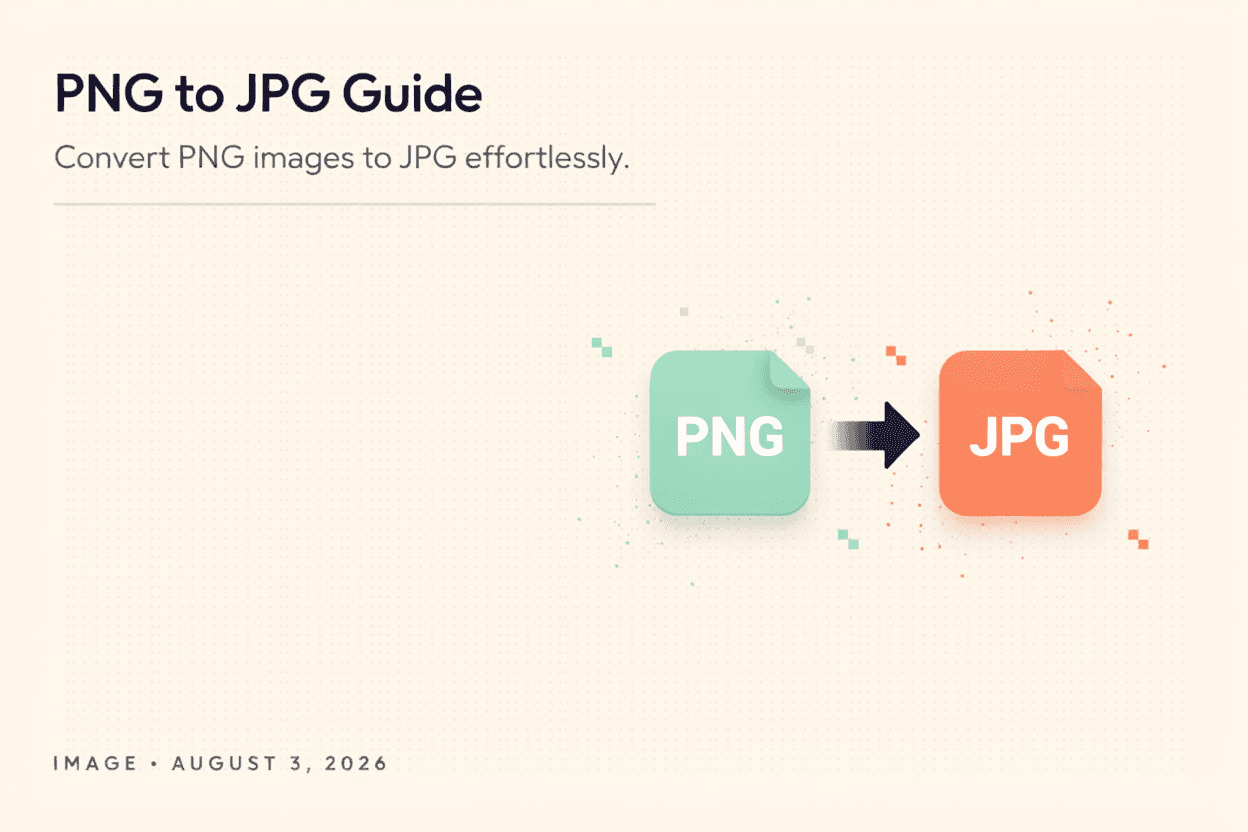
PNG to JPG conversion is the process of changing an image file from the PNG format, which supports transparency and lossless quality, to the JPG format, which uses lossy compression for smaller file sizes.
Why is it Important?
Converting to JPG is useful when smaller file sizes are needed for faster uploads and website performance, and when transparency isn't required, such as for photographs.
How Does it Work?
The tool reads the PNG file's pixel data, flattens any transparency onto a solid background, and re-encodes the image using JPG's lossy compression algorithm to produce a smaller file.
Step-by-Step Guide
- Open the PNG to JPG Converter.
- Upload the PNG image you want to convert.
- Choose your desired quality level if available.
- Click the Convert button.
- Download your new JPG image.
Examples
Conversion Example
A 4MB PNG screenshot converted to JPG at high quality can shrink to under 800KB, making it much easier to share or upload.
Benefits
- Reduces file size significantly compared to PNG.
- Speeds up uploads and page load times.
- Widely supported format across platforms.
- Quick, free, and easy conversion process.
- No software installation required.
Common Mistakes
- Converting images with transparency without checking the background result.
- Using very low quality settings, causing visible compression artifacts.
- Converting text-heavy images to JPG, which can blur sharp edges.
- Repeatedly converting between formats, degrading quality over time.
Frequently Asked Questions
Will I lose transparency when converting PNG to JPG?
Yes, JPG does not support transparency, so any transparent areas will be filled with a solid background color, typically white.
Does converting to JPG reduce image quality?
JPG uses lossy compression, so there may be a slight quality reduction, though it's often minimal at high quality settings.
When should I use JPG instead of PNG?
JPG is best for photographs and images without transparency where smaller file size matters more than pixel-perfect quality.
Can I convert multiple PNG files to JPG at once?
Many converters support batch conversion, though this depends on the specific tool's features.
Conclusion
Converting PNG to JPG is a simple way to reduce file size and improve compatibility when transparency isn't needed, making your images easier to share and faster to load.
Convert PNG to JPG Now
Use our free PNG to JPG Converter to convert your images instantly.
Open PNG to JPG Converter