Complete Password Generator Guide
Introduction
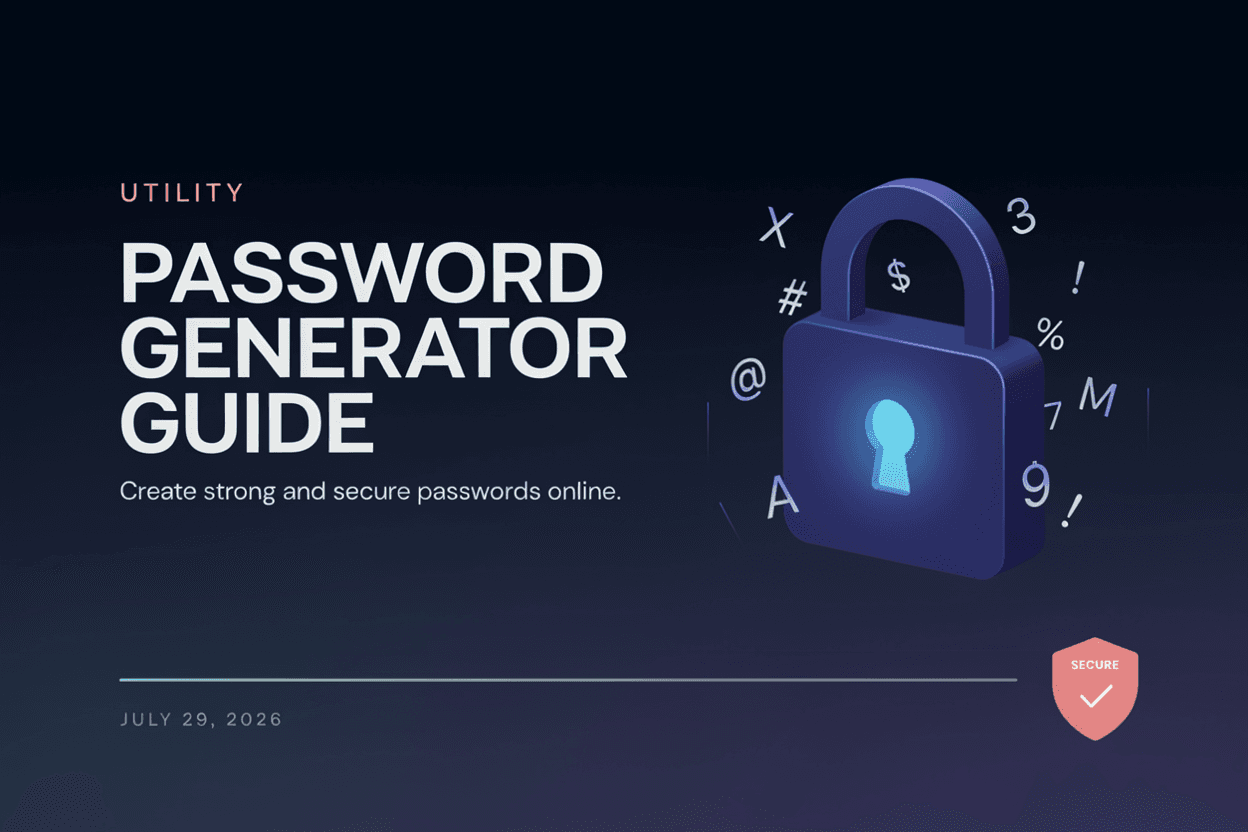
Weak passwords are one of the leading causes of account breaches. A Password Generator helps you create strong, random passwords that are far more difficult for attackers to guess or crack.
What is a Password Generator?
A Password Generator is a tool that creates random, secure passwords based on chosen criteria such as length, and inclusion of uppercase letters, numbers, and symbols.
Why is it Important?
Strong, unique passwords protect your accounts from brute-force attacks, credential stuffing, and data breaches. Using a generator removes the risk of choosing weak, predictable passwords.
How Does it Work?
The tool uses a randomization algorithm to combine letters, numbers, and symbols based on your selected length and character settings, producing a password that has no predictable pattern.
Step-by-Step Guide
- Open the Password Generator.
- Choose your desired password length.
- Select character types (uppercase, lowercase, numbers, symbols).
- Click the Generate button.
- Copy and use your new secure password.
Examples
Password Generation Example
A 12-character password with uppercase, lowercase, numbers, and symbols might look like 'kT9!vQ2#mZpL', which is highly resistant to guessing.
Benefits
- Creates strong, unpredictable passwords instantly.
- Reduces risk of account compromise.
- Customizable length and character options.
- Eliminates the temptation to reuse weak passwords.
- Free and accessible online.
Common Mistakes
- Using short passwords that are easier to crack.
- Reusing the same password across multiple accounts.
- Skipping symbols or numbers, weakening password strength.
- Storing generated passwords in unsecured locations.
Frequently Asked Questions
How long should my password be?
A minimum of 12 characters is generally recommended, though longer passwords offer stronger protection.
Are generated passwords safe to use?
Yes, as long as the generator uses proper randomization and the password isn't stored or logged insecurely.
Should I use a password manager with generated passwords?
Yes, a password manager makes it easy to store and use strong, unique passwords for every account.
Why should I avoid using personal information in passwords?
Personal information like birthdays or names is easier for attackers to guess or find through social engineering.
Conclusion
A Password Generator is a simple way to strengthen your online security by producing random, hard-to-guess passwords for every account you own.
Generate a Secure Password Now
Use our free Password Generator to instantly create strong, random passwords.
Open Password Generator