Complete JPG to PNG Conversion Guide
Introduction
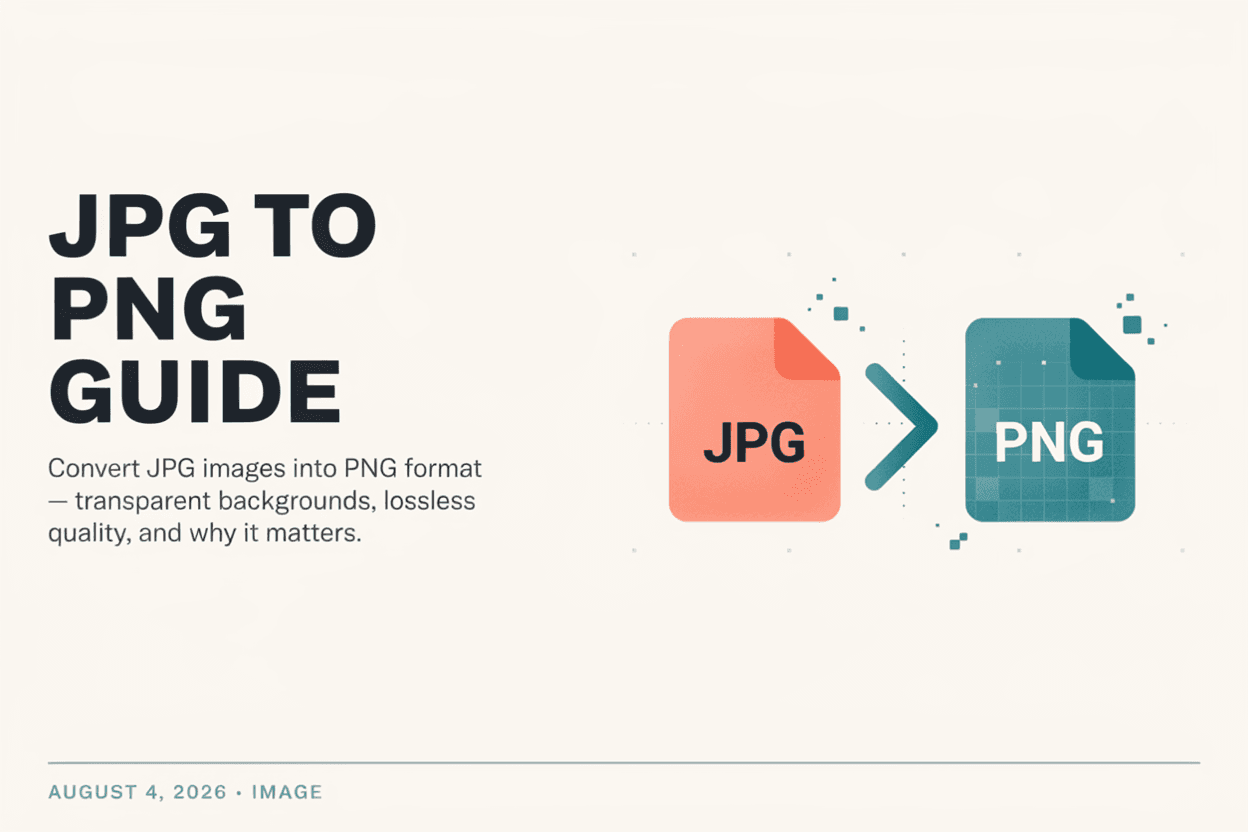
While JPG is great for small file sizes, PNG offers lossless quality and transparency support. A JPG to PNG Converter lets you switch formats when you need sharper detail or a transparent background.
What is JPG to PNG Conversion?
JPG to PNG conversion is the process of changing an image from the lossy JPG format into the lossless PNG format, which preserves full image detail and supports transparency.
Why is it Important?
Converting to PNG is useful for logos, graphics, and screenshots where sharp edges and text clarity matter, or when you need a transparent background for design work.
How Does it Work?
The tool reads the JPG file's pixel data and re-encodes it using PNG's lossless compression algorithm, preserving all existing detail without adding transparency (since JPG has none to begin with).
Step-by-Step Guide
- Open the JPG to PNG Converter.
- Upload the JPG image you want to convert.
- Click the Convert button.
- Wait for the conversion to complete.
- Download your new PNG image.
Examples
Conversion Example
A logo saved as JPG with slightly blurry edges becomes crisper when converted to PNG, since no further compression artifacts are introduced.
Benefits
- Preserves image quality with lossless compression.
- Enables adding transparency in future edits.
- Better for graphics, logos, and text-heavy images.
- Quick, free, and easy conversion process.
- No software installation required.
Common Mistakes
- Expecting transparency to appear automatically after conversion.
- Converting large photo batches to PNG, resulting in much larger file sizes.
- Assuming PNG conversion fixes quality already lost in the original JPG.
- Using PNG for web photos where smaller JPG file size would be more efficient.
Frequently Asked Questions
Will converting JPG to PNG improve image quality?
No, PNG conversion cannot restore detail already lost from JPG's lossy compression, but it will prevent any further quality loss.
Does the converted PNG have a transparent background?
No, since JPG files don't support transparency, the converted PNG will have the same solid background as the original.
Why is my PNG file larger than the original JPG?
PNG uses lossless compression, which typically results in larger file sizes than JPG's lossy compression, especially for photographs.
When should I use PNG instead of JPG?
PNG is best for logos, icons, screenshots, and any image requiring transparency or crisp text and edges.
Conclusion
Converting JPG to PNG is ideal when you need lossless quality or plan to add transparency, making it a useful step for graphics and design work.
Convert JPG to PNG Now
Use our free JPG to PNG Converter to convert your images instantly.
Open JPG to PNG Converter