Complete Image Converter Guide
Introduction
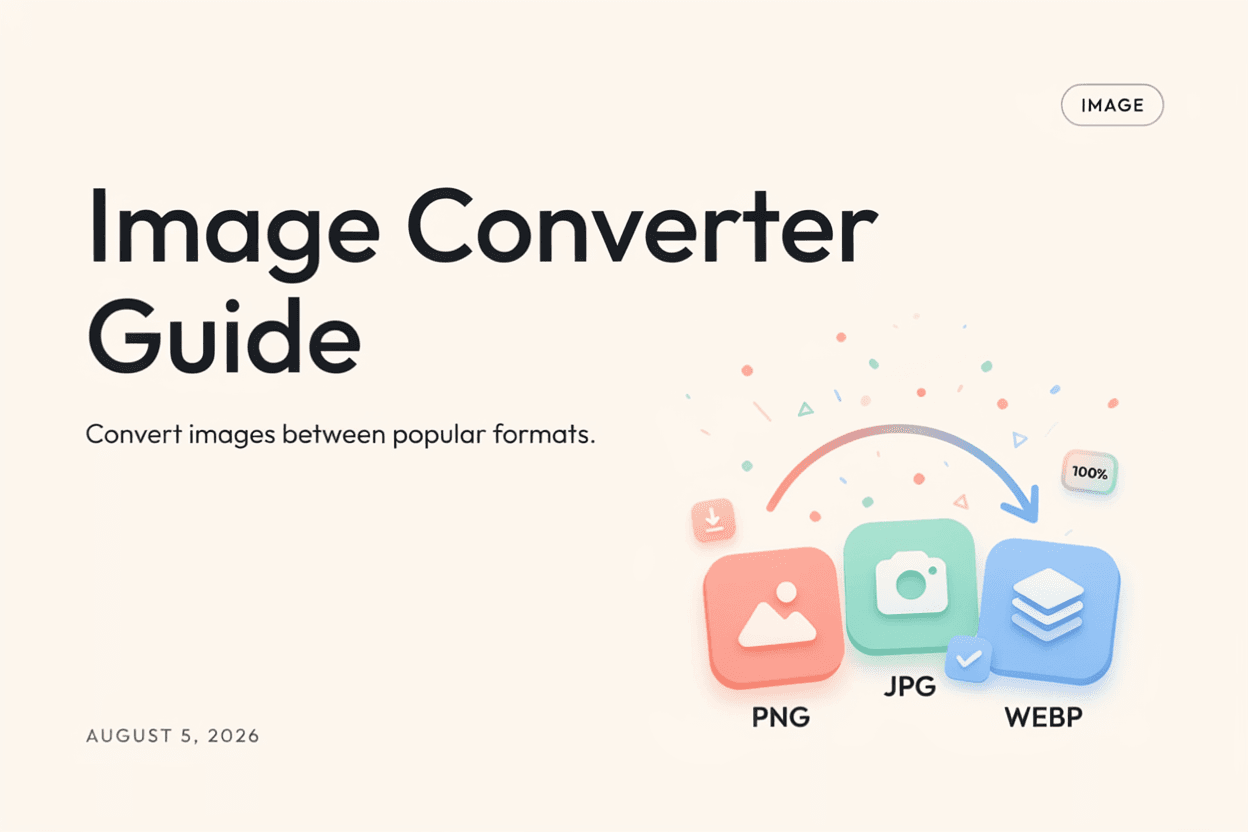
Different platforms and use cases call for different image formats. An Image Converter gives you a single tool to switch between formats like JPG, PNG, WebP, and more without extra software.
What is an Image Converter?
An Image Converter is a tool that changes an image file from one format to another, such as JPG to PNG, PNG to WebP, or JPG to WebP, while adjusting compression and transparency handling as needed.
Why is it Important?
Using the right image format improves website speed, ensures compatibility with different platforms, and helps balance file size against visual quality for your specific needs.
How Does it Work?
The tool reads the source image's pixel data and re-encodes it according to the target format's rules, whether that means applying lossy compression, enabling transparency, or optimizing for web use.
Step-by-Step Guide
- Open the Image Converter.
- Upload the image you want to convert.
- Select your target output format.
- Click the Convert button.
- Download your converted image.
Examples
Conversion Example
Converting a 3MB PNG graphic to WebP can reduce the file size by more than 50% while retaining similar visual quality.
Benefits
- Supports conversion between multiple popular formats.
- Helps optimize images for web performance.
- Ensures compatibility with different platforms and apps.
- One tool instead of multiple single-format converters.
- Free and accessible online.
Common Mistakes
- Choosing a format that doesn't support needed features like transparency.
- Not considering browser or platform support for newer formats like WebP.
- Repeatedly converting between lossy formats, degrading quality.
- Ignoring the trade-off between file size and image quality.
Frequently Asked Questions
Which image format is best for websites?
WebP generally offers the best balance of small file size and good quality for websites, though JPG and PNG remain widely supported alternatives.
Can I convert between any two image formats?
Most common formats like JPG, PNG, and WebP can be converted to one another, though some format-specific features like transparency may be lost depending on the target format.
Does converting formats affect image quality?
Converting to a lossy format like JPG can reduce quality, while converting to lossless formats like PNG preserves existing detail.
Can I convert multiple images at once?
Many image converters support batch conversion, allowing you to process several files in one go.
Conclusion
An Image Converter is a versatile tool for switching between image formats to match your platform, quality, and file size needs, all without installing extra software.
Convert Your Image Now
Use our free Image Converter to switch between popular image formats instantly.
Open Image Converter