Complete JPG to PDF Conversion Guide
Introduction
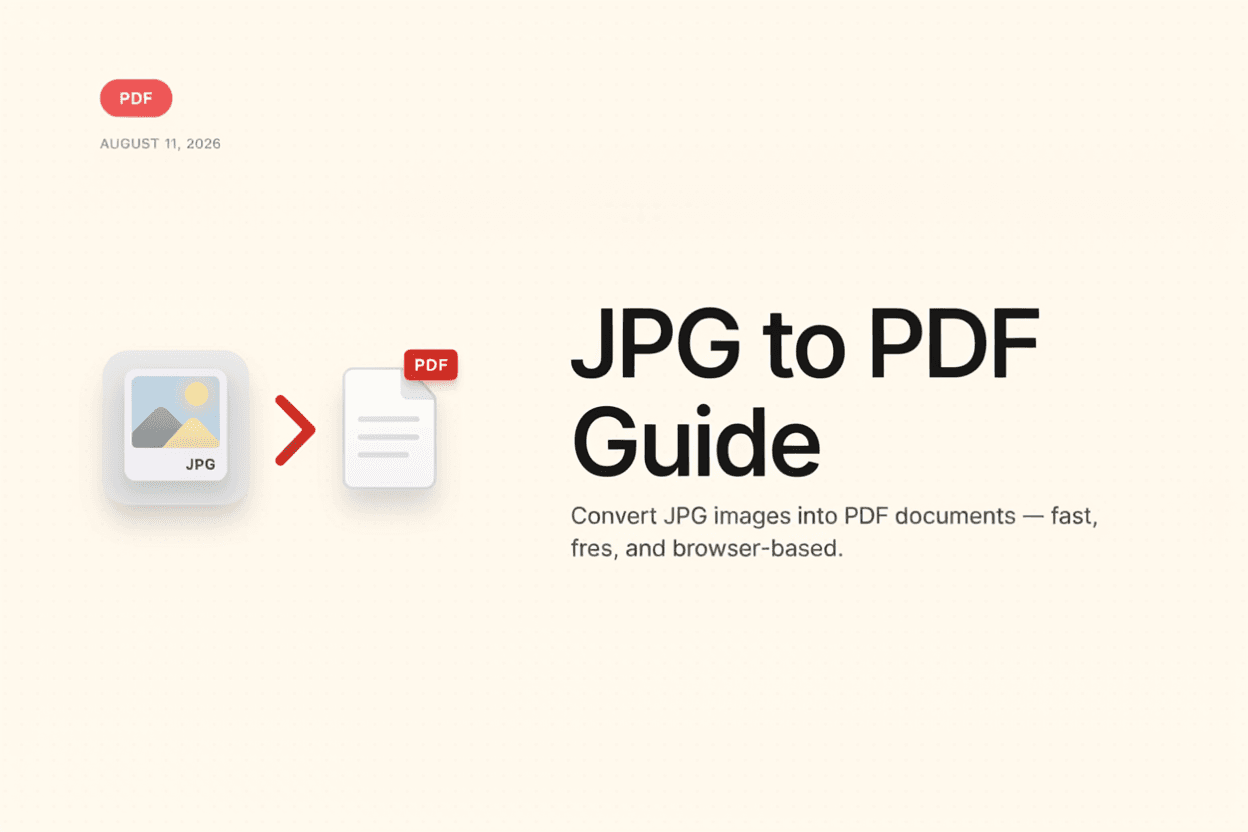
Need to turn a scanned document or photo into a shareable PDF? A JPG to PDF Converter combines one or more images into a clean, printable PDF file in seconds.
What is JPG to PDF Conversion?
JPG to PDF conversion is the process of placing one or more JPG images onto pages of a PDF document, turning standalone images into a single, portable file.
Why is it Important?
Converting images to PDF is useful for submitting scanned documents, combining multiple photos into one file, and ensuring images print or display consistently across devices.
How Does it Work?
The tool places each uploaded JPG image onto its own page within a new PDF document, adjusting page size and orientation to fit the image dimensions.
Step-by-Step Guide
- Open the JPG to PDF Converter.
- Upload the JPG images you want to convert.
- Arrange the images in your desired page order.
- Click the Convert button.
- Download your combined PDF document.
Examples
Conversion Example
Five scanned receipt photos can be combined into a single PDF document, making it easy to submit as one file for an expense report.
Benefits
- Combines multiple images into one PDF document.
- Makes scanned documents easier to share and print.
- Ensures consistent display across devices and platforms.
- No design software needed to create the PDF.
- Free and accessible online.
Common Mistakes
- Uploading images in the wrong order without rearranging them.
- Using very low-resolution images, resulting in a blurry PDF.
- Not checking page orientation before finalizing the PDF.
- Combining unrelated images that would be clearer as separate files.
Frequently Asked Questions
Can I combine multiple JPG images into one PDF?
Yes, you can upload several images and they'll be combined into a single PDF, with each image typically placed on its own page.
Will the image quality be reduced in the PDF?
Image quality is generally preserved closely during conversion, though very large images may be optimized slightly to keep file size reasonable.
Can I change the order of images before converting?
Yes, most converters let you rearrange the image order before generating the final PDF.
Does the PDF page size match the image size?
Many converters automatically size each page to fit the image, though some may offer standard page size options like A4 or Letter.
Conclusion
A JPG to PDF Converter is a convenient way to combine images into a single, professional PDF document, ideal for scans, receipts, and photo collections.
Convert JPG to PDF Now
Use our free JPG to PDF Converter to combine your images instantly.
Open JPG to PDF Converter