Complete Image Tools Guide
Introduction
Whether you're preparing images for a website, social media, or a document, having the right image tool makes all the difference. This guide covers the most useful online image tools for everyday editing needs.
What are Image Tools?
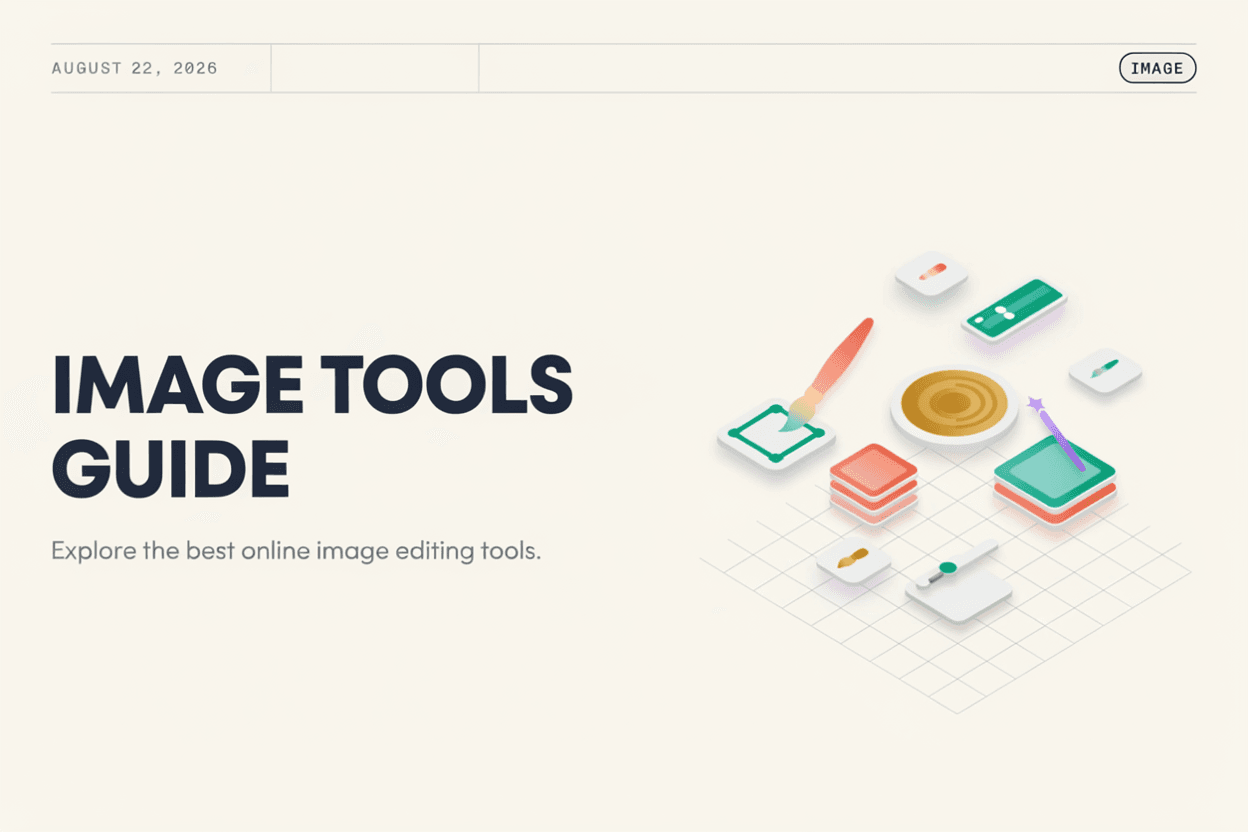
Image Tools are online utilities that let you resize, compress, crop, and convert images between formats, all directly in your browser without needing design software.
Why is it Important?
Properly sized and optimized images improve website speed, meet platform requirements, and ensure your visuals look professional across devices, all of which matter for both personal and business use.
How Does it Work?
Each tool processes your uploaded image according to its function, whether adjusting dimensions, reducing file size, trimming the frame, or changing the format, then provides a downloadable result.
Step-by-Step Guide
- Identify the image task you need, such as resizing or compressing.
- Choose the relevant tool.
- Upload your image.
- Adjust any settings like size or quality.
- Download your edited image.
Examples
Common Use Case Example
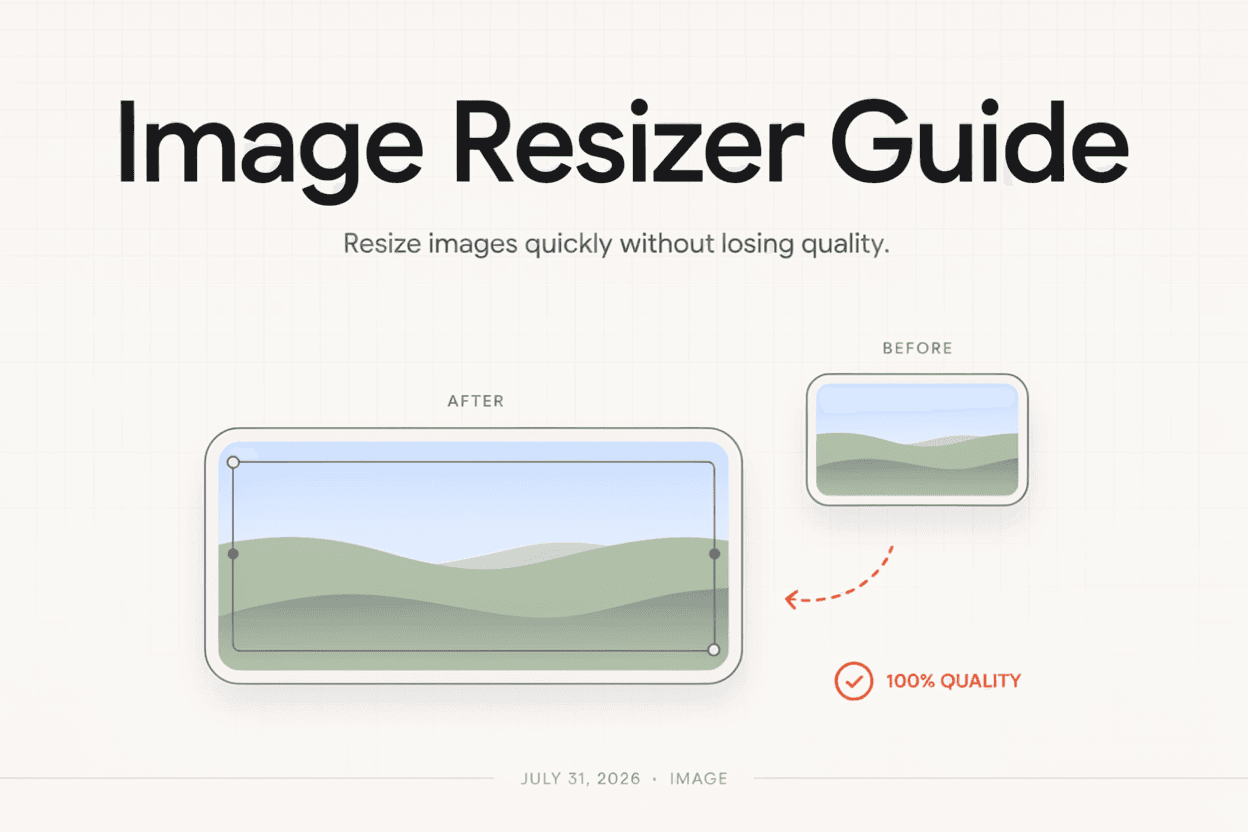
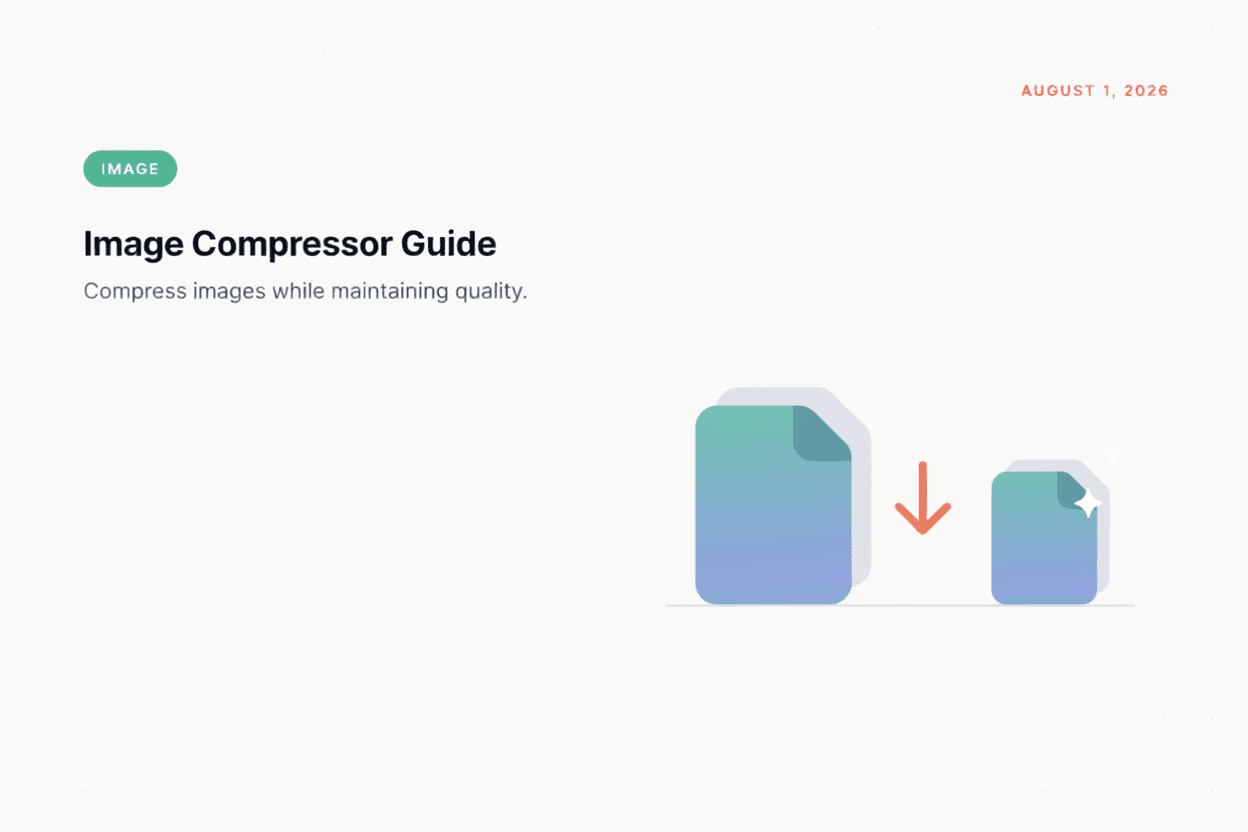
A blogger preparing a featured image can use an Image Compressor to shrink file size before an Image Resizer adjusts it to the exact dimensions needed.
Benefits
- Covers common editing needs in one place.
- No design software installation required.
- Speeds up website and content preparation.
- Accessible from any device with a browser.
- Free and easy to use.
Common Mistakes
- Resizing without maintaining aspect ratio, causing distortion.
- Over-compressing images to the point of visible quality loss.
- Using the wrong format for the intended platform.
- Not previewing final results before publishing.
Frequently Asked Questions
Do online image tools reduce the quality of my photos?
Most tools let you control the compression or resizing level, allowing you to balance file size against visual quality.
Can I use these tools without installing software?
Yes, all these tools work directly in your browser, requiring no downloads or installations.
Are online image tools free to use?
Most basic operations like resizing, cropping, and format conversion are free, with some advanced features potentially requiring payment.
Which image format should I use for my website?
WebP generally offers the best balance of quality and file size for websites, while JPG and PNG remain widely compatible alternatives.
Conclusion
Online Image Tools make it easy to prepare visuals for any purpose, from web publishing to social media, without needing design software.
Explore Image Tools Now
Try our free Image Tools to edit your images instantly.
Open Image Tools