Complete Base64 Encoder Guide
Introduction
Base64 encoding is a common way to safely represent binary data as text, widely used in web development, emails, and data transfer. A Base64 Encoder converts your text or files into this format instantly.
What is a Base64 Encoder?
A Base64 Encoder is a tool that converts text or binary data into a Base64 string, a format made up of 64 printable characters that can be safely transmitted across systems that only support text.
Why is it Important?
Base64 encoding is essential for embedding images in HTML or CSS, transmitting binary data through text-based protocols like email, and safely including data in JSON or URLs without corruption.
How Does it Work?
The tool takes your input data, splits it into 6-bit chunks, and maps each chunk to a corresponding character from the Base64 alphabet (A-Z, a-z, 0-9, +, /), producing a text-safe representation.
Step-by-Step Guide
- Open the Base64 Encoder.
- Enter or upload the text or file you want to encode.
- Click the Encode button.
- View the generated Base64 string.
- Copy the encoded output for your use case.
Examples
Encoding Example
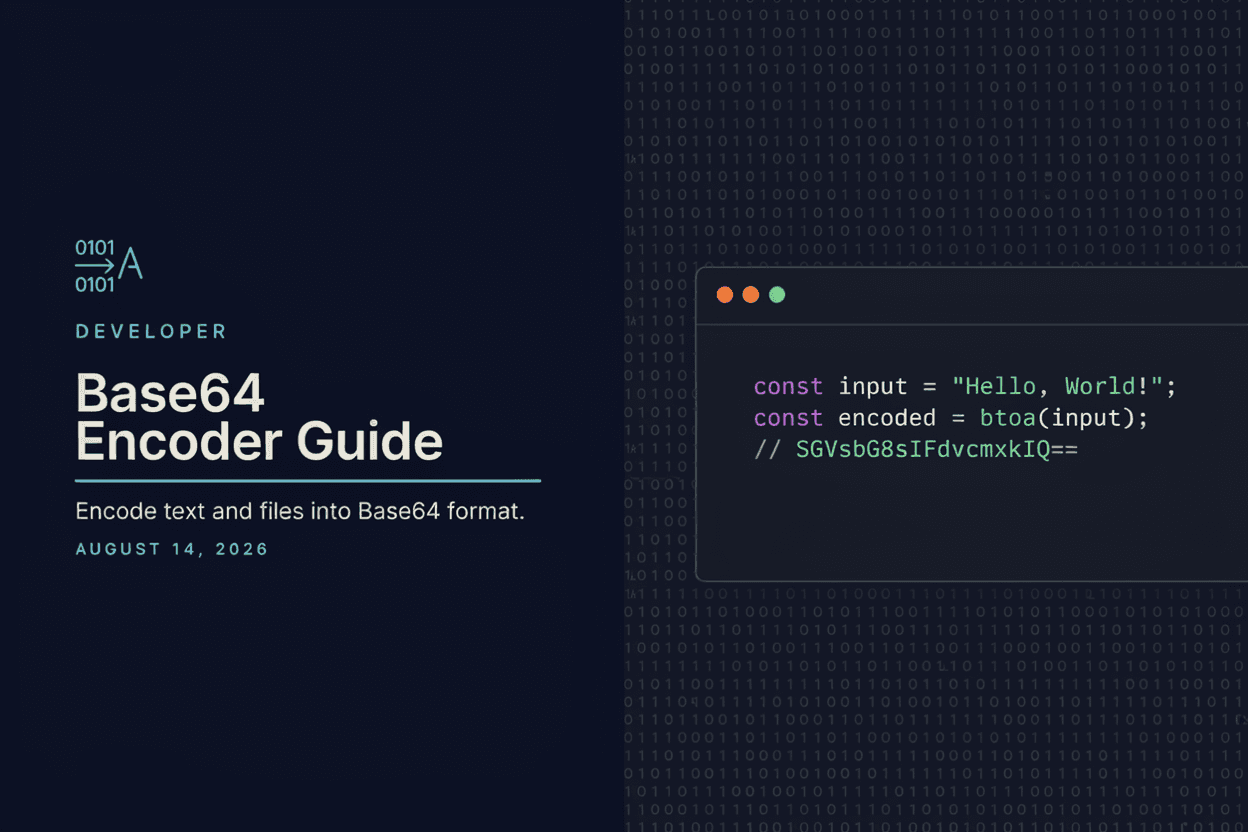
The text 'Hello' encodes to 'SGVsbG8=' in Base64, a format that can be safely embedded in text-based systems.
Benefits
- Safely represents binary data as text.
- Useful for embedding images and files in code.
- Prevents data corruption in text-only transmission systems.
- Quick and easy to use without extra software.
- Free and accessible online.
Common Mistakes
- Assuming Base64 encoding provides security or encryption.
- Encoding very large files, resulting in impractically long strings.
- Forgetting that Base64 increases data size by roughly 33%.
- Mixing up encoding and decoding steps in a workflow.
Frequently Asked Questions
Is Base64 encoding the same as encryption?
No, Base64 is not encryption or security; it is simply a way to represent data as text and can be easily decoded by anyone.
Can I encode images and files, not just text?
Yes, Base64 encoding works with any binary data, including images, PDFs, and other file types.
Why does Base64-encoded data look longer than the original?
Base64 encoding increases the size of data by about 33% because it represents binary data using a limited set of text characters.
Where is Base64 encoding commonly used?
It's commonly used for embedding images in HTML/CSS, encoding email attachments, and safely passing data through APIs and URLs.
Conclusion
A Base64 Encoder is a handy tool for developers who need to safely represent binary data as text for web development, email, and data transfer purposes.
Encode to Base64 Now
Use our free Base64 Encoder to convert your text or files instantly.
Open Base64 Encoder