Complete Base64 Decoder Guide
Introduction
Base64-encoded strings aren't readable at a glance. A Base64 Decoder converts that text back into its original format, whether it's plain text, an image, or another type of file.
What is a Base64 Decoder?
A Base64 Decoder is a tool that converts a Base64-encoded string back into its original binary or text form, reversing the encoding process.
Why is it Important?
Decoding Base64 is necessary when working with APIs, email attachments, or embedded data that arrives in Base64 format and needs to be viewed or processed in its original form.
How Does it Work?
The tool reads the Base64 string, maps each character back to its corresponding 6-bit value, and reassembles these bits into the original binary or text data.
Step-by-Step Guide
- Open the Base64 Decoder.
- Paste the Base64 string you want to decode.
- Click the Decode button.
- View the original text or download the decoded file.
- Copy or save the decoded output as needed.
Examples
Decoding Example
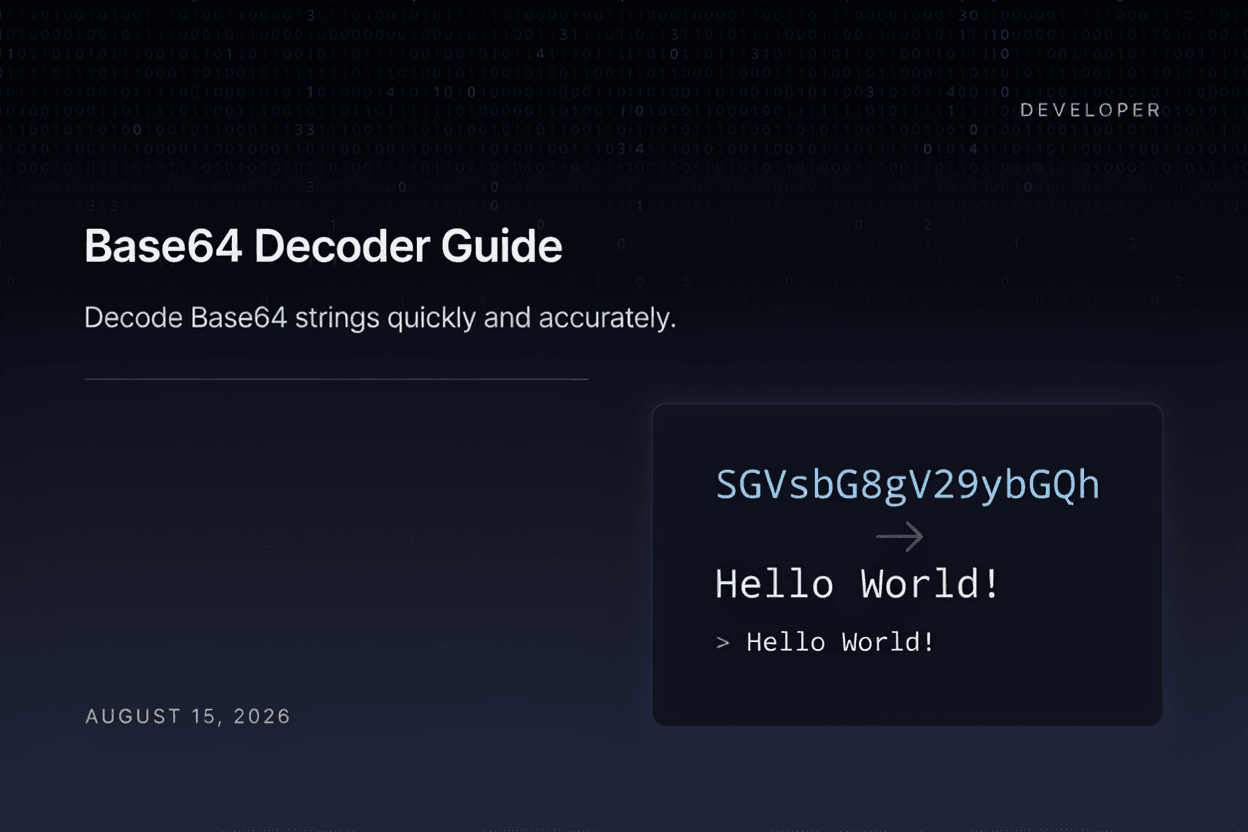
The Base64 string 'SGVsbG8=' decodes back into the original text 'Hello'.
Benefits
- Quickly reveals the original content of Base64 data.
- Useful for debugging APIs and email attachments.
- Supports decoding text, images, and other file types.
- No special software required.
- Free and accessible online.
Common Mistakes
- Pasting incomplete or corrupted Base64 strings.
- Forgetting to remove data URI prefixes before decoding.
- Assuming decoded content is always readable plain text.
- Mixing up encoding and decoding steps in a workflow.
Frequently Asked Questions
Why does my Base64 string fail to decode?
This usually happens if the string is incomplete, contains invalid characters, or is missing required padding characters.
Can I decode Base64 back into an image file?
Yes, if the original data was an image, decoding will reconstruct the binary image data, which can then be saved as a file.
What is the '=' at the end of some Base64 strings?
The equals sign is padding used to ensure the encoded string length is a multiple of 4 characters, as required by the Base64 format.
Is decoded Base64 data safe to trust?
Decoding simply reveals the original content; you should still verify the source and content is legitimate before using it.
Conclusion
A Base64 Decoder makes it simple to reveal the original content behind encoded strings, an essential tool for developers working with APIs and embedded data.
Decode Base64 Now
Use our free Base64 Decoder to reveal the original content instantly.
Open Base64 Decoder