Complete URL Encoder Guide
Introduction
URLs can only safely contain a limited set of characters. A URL Encoder converts special characters, spaces, and symbols into a format that can be safely transmitted across the web.
What is a URL Encoder?
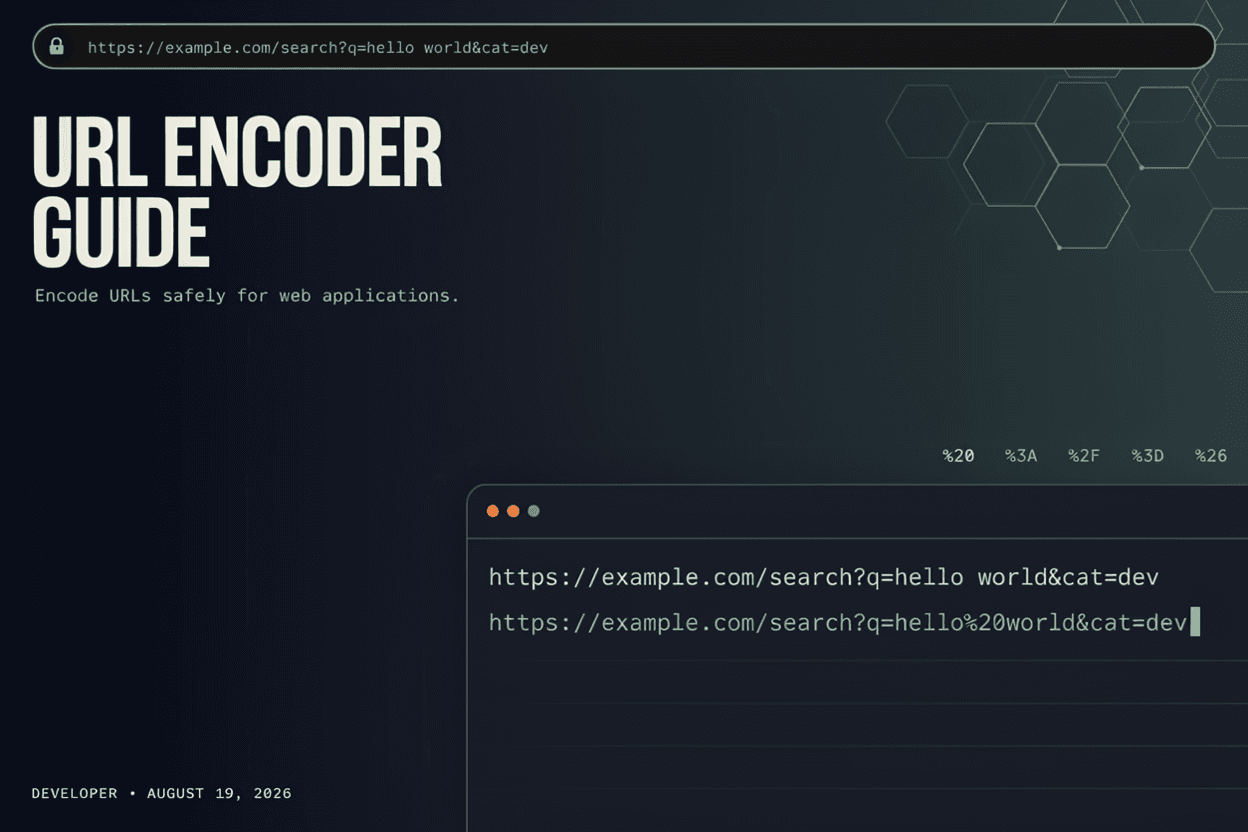
A URL Encoder is a tool that converts special characters in a URL or query string into a percent-encoded format (like %20 for a space), ensuring the URL is transmitted correctly across web systems.
Why is it Important?
URL encoding prevents broken links, ensures special characters in search queries or form data are handled correctly, and is essential for building reliable APIs and web applications.
How Does it Work?
The tool scans the input string for characters outside the URL-safe set, then replaces each of these characters with a percent sign followed by their hexadecimal ASCII code.
Step-by-Step Guide
- Open the URL Encoder.
- Enter the text or URL you want to encode.
- Click the Encode button.
- View the percent-encoded output.
- Copy the encoded URL for use in your application.
Examples
Encoding Example
The text 'hello world!' encodes to 'hello%20world%21', with the space and exclamation mark converted to their percent-encoded equivalents.
Benefits
- Prevents broken URLs due to unsafe characters.
- Ensures reliable data transmission in web applications.
- Essential for building and testing APIs.
- Quick and easy without manual character lookup.
- Free and accessible online.
Common Mistakes
- Double-encoding a URL that has already been encoded.
- Forgetting to encode special characters in query parameters.
- Encoding an entire URL including the protocol and domain unnecessarily.
- Assuming all browsers handle unencoded special characters the same way.
Frequently Asked Questions
What characters need to be URL encoded?
Characters like spaces, ampersands, question marks, and other symbols outside the standard URL-safe set need to be percent-encoded.
What happens if I encode a URL twice?
Double encoding converts percent signs themselves into their encoded form, resulting in a broken or unintended URL when decoded.
Do I need to encode the entire URL or just parts of it?
Typically only the query parameters or path segments with special characters need encoding, not the protocol or domain name.
Is URL encoding the same as Base64 encoding?
No, they serve different purposes; URL encoding makes text safe for URLs specifically, while Base64 represents binary data as text more broadly.
Conclusion
A URL Encoder ensures your links and query strings work reliably across the web by safely converting special characters into a URL-compatible format.
Encode Your URL Now
Use our free URL Encoder to safely encode text and URLs instantly.
Open URL Encoder