Complete JSON Validator Guide
Introduction
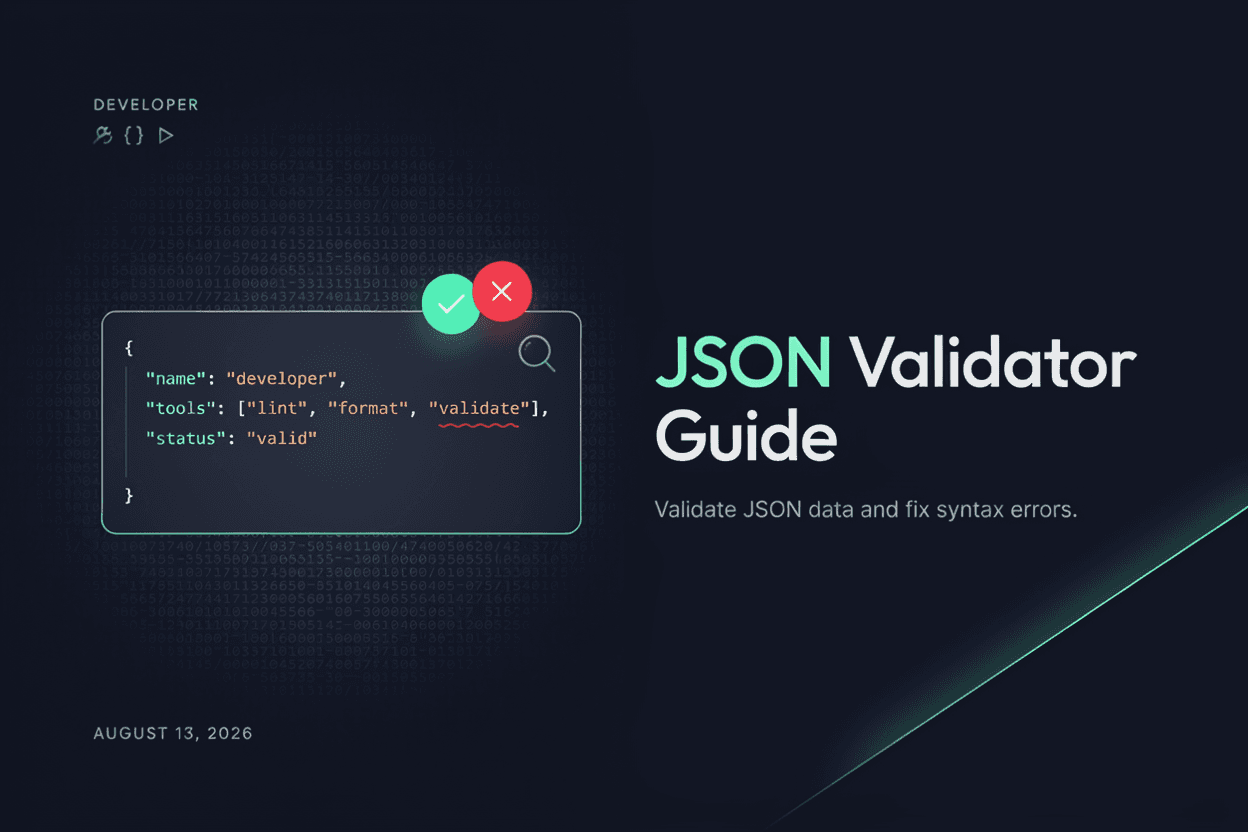
A single misplaced comma or bracket can break an entire JSON file. A JSON Validator checks your data for syntax errors and pinpoints exactly where the problem lies.
What is a JSON Validator?
A JSON Validator is a tool that checks whether a piece of JSON data follows correct syntax rules, flagging errors such as missing commas, unmatched brackets, or invalid characters.
Why is it Important?
Validating JSON before using it in an application prevents runtime errors, broken API integrations, and hard-to-trace bugs caused by malformed data.
How Does it Work?
The tool parses your JSON input against the official JSON syntax rules, checking for issues like mismatched braces, missing quotes, trailing commas, or invalid data types, then reports any errors found along with their location.
Step-by-Step Guide
- Open the JSON Validator.
- Paste your JSON data into the input box.
- Click the Validate button.
- Review any error messages and their locations.
- Fix the issues and re-validate until the JSON is error-free.
Examples
Validation Example
JSON with a trailing comma like {"name":"John",} is flagged as invalid, with the validator pointing to the exact position of the extra comma.
Benefits
- Quickly identifies syntax errors in JSON data.
- Prevents bugs caused by malformed data in applications.
- Saves time compared to manually scanning for errors.
- Useful for developers working with APIs and config files.
- Free and accessible online.
Common Mistakes
- Ignoring the specific error location and guessing at fixes.
- Using single quotes instead of double quotes for JSON strings.
- Leaving trailing commas after the last item in objects or arrays.
- Forgetting to escape special characters within string values.
Frequently Asked Questions
What are common JSON syntax errors?
Common errors include trailing commas, missing quotes around keys, unmatched brackets, and using single quotes instead of double quotes.
Can a JSON validator fix errors automatically?
Most validators only identify and point out errors; you'll need to manually correct the JSON based on the feedback provided.
Does validation check data types as well as syntax?
Basic validators focus on syntax correctness, while some advanced tools can also validate data against a defined JSON schema.
Is my JSON data safe when using an online validator?
Most validators process data locally in your browser without storing it, but it's good practice to avoid pasting sensitive data into any online tool.
Conclusion
A JSON Validator helps catch syntax errors before they cause problems in your application, making it an essential step when working with structured data.
Validate Your JSON Now
Use our free JSON Validator to check and fix syntax errors instantly.
Open JSON Validator