Complete JSON Formatter Guide
Introduction
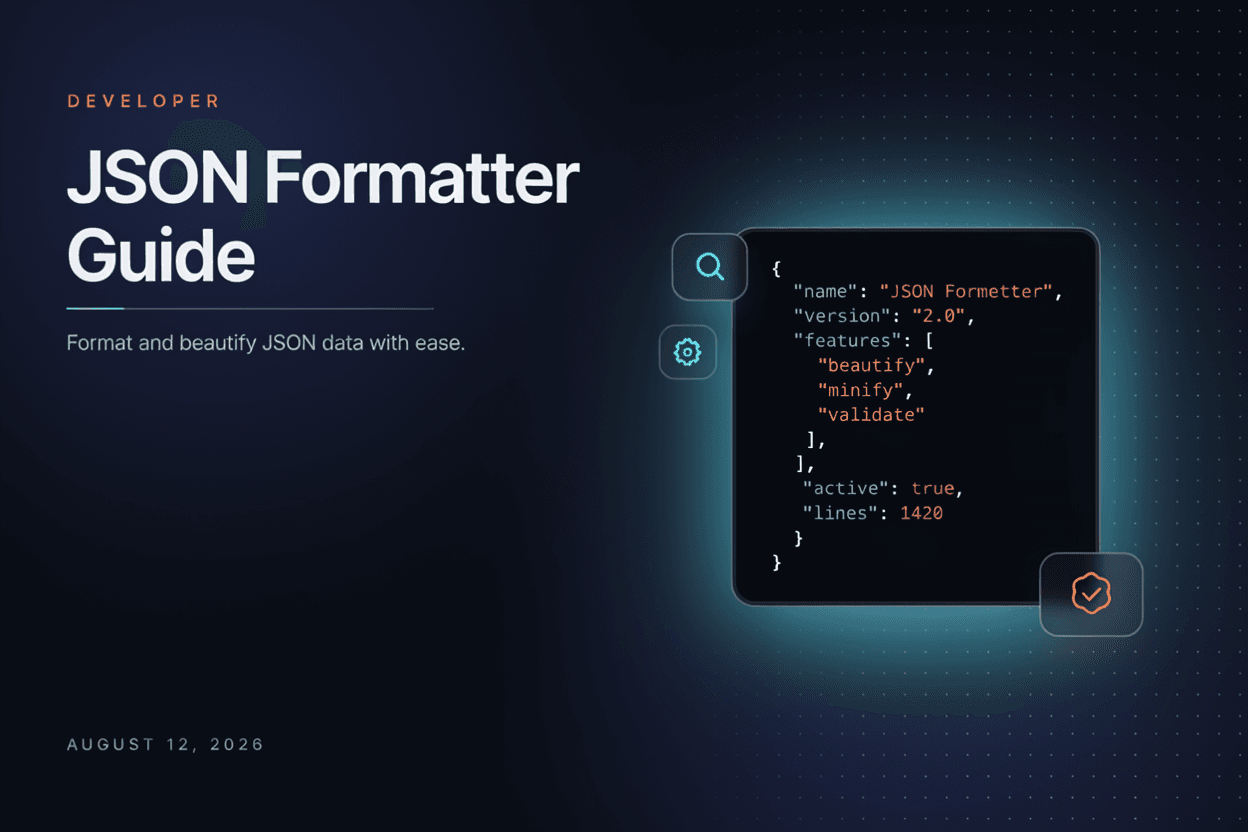
Raw, minified JSON data can be nearly impossible to read at a glance. A JSON Formatter organizes your data into a clean, indented structure, making it easy to review and debug.
What is a JSON Formatter?
A JSON Formatter is a tool that takes raw or minified JSON data and reformats it with proper indentation, line breaks, and spacing, making the structure easy to read.
Why is it Important?
Well-formatted JSON is essential for debugging APIs, reviewing configuration files, and collaborating with other developers, since poorly formatted data is hard to scan for errors or structure.
How Does it Work?
The tool parses the JSON input to verify its structure, then re-outputs the data with consistent indentation levels, line breaks between keys, and organized nesting for objects and arrays.
Step-by-Step Guide
- Open the JSON Formatter.
- Paste your raw or minified JSON data.
- Click the Format button.
- Review the neatly indented output.
- Copy or download the formatted JSON.
Examples
Formatting Example
Minified JSON like {"name":"John","age":30} is transformed into a clearly indented structure with each key-value pair on its own line.
Benefits
- Makes JSON data easy to read and review.
- Speeds up debugging of APIs and configuration files.
- Highlights nested structures clearly.
- Useful for developers, testers, and API integrators.
- Free and accessible online.
Common Mistakes
- Pasting invalid JSON and expecting it to format correctly.
- Not checking for trailing commas or mismatched brackets.
- Assuming formatted JSON is automatically validated for correctness.
- Overlooking encoding issues with special characters in the data.
Frequently Asked Questions
Does a JSON formatter also validate my JSON?
Many formatters will flag syntax errors during the formatting process, though dedicated JSON validators offer more detailed error reporting.
Can I format deeply nested JSON objects?
Yes, JSON formatters handle nested objects and arrays of any depth, indenting each level clearly for readability.
Is my JSON data stored when I use the formatter?
Most formatting tools process data in your browser without storing it, but you should check the specific tool's privacy practices.
Can I minify JSON as well as format it?
Yes, many JSON tools offer both formatting (pretty-printing) and minifying (removing whitespace) options.
Conclusion
A JSON Formatter turns messy, minified data into a clean, readable structure, making it an essential tool for developers working with APIs and configuration files.
Format Your JSON Now
Use our free JSON Formatter to beautify your JSON data instantly.
Open JSON Formatter