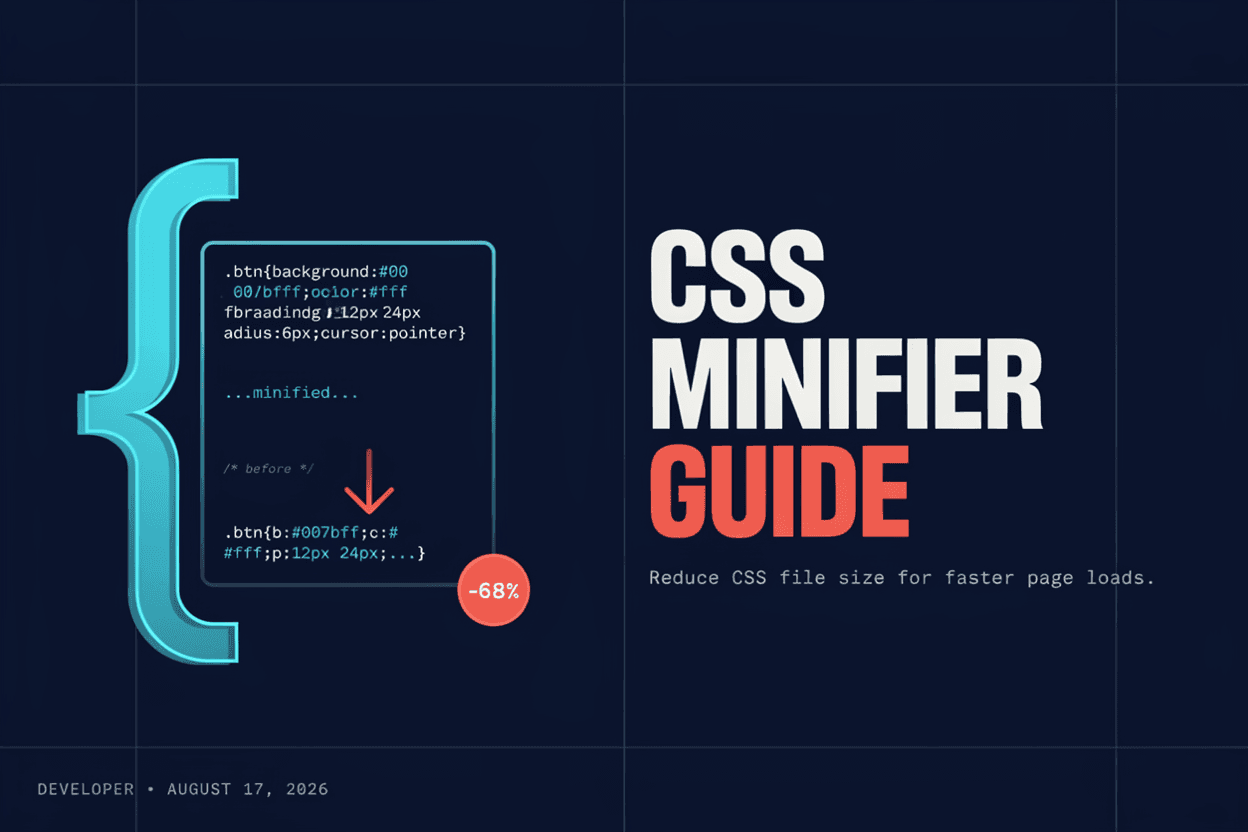
Complete JavaScript Minifier Guide

Introduction
JavaScript files can grow large with comments, whitespace, and long variable names meant for readability. A JavaScript Minifier compresses this code to reduce file size and improve load times.
What is a JavaScript Minifier?
A JavaScript Minifier is a tool that reduces the size of JS code by removing comments and unnecessary whitespace, and often shortening variable names, while preserving the exact functionality of the script.
Why is it Important?
Minified JavaScript reduces download and parse time for browsers, which directly improves page load speed, especially important for JavaScript-heavy applications and mobile users.
How Does it Work?
The tool parses the JavaScript syntax tree, removes comments and unnecessary whitespace, and can rename variables to shorter names, producing functionally identical but much smaller code.
Step-by-Step Guide
- Open the JavaScript Minifier.
- Paste or upload your JavaScript code.
- Click the Minify button.
- Review the compressed output.
- Copy or download the minified script.
Examples
Minification Example
A 100KB JavaScript file with verbose variable names and comments can often shrink to under 40KB after minification, with identical functionality.
Benefits
- Significantly reduces JavaScript file size.
- Speeds up page load and script execution time.
- Saves bandwidth for both server and visitors.
- Removes development clutter before production deployment.
- Free and accessible online.
Common Mistakes
- Minifying JavaScript during active development, making debugging difficult.
- Not keeping a readable source version with source maps for debugging.
- Assuming minification alone guarantees fast performance.
- Minifying code that relies on specific variable names for external access.
Frequently Asked Questions
Will minifying JavaScript break my code's functionality?
No, minification is designed to preserve exact functionality while reducing file size; however, testing after minification is always recommended.
Should I minify JavaScript during development?
It's best to work with unminified code during development and minify only for production deployment, ideally with source maps for debugging.
How much smaller does JavaScript get after minification?
Reductions of 30-60% are common, depending on how verbose the original code's comments, whitespace, and variable names are.
What is the difference between minifying and bundling?
Minifying reduces the size of existing code, while bundling combines multiple files into one; they are often used together for optimal performance.
Conclusion
A JavaScript Minifier helps trim unnecessary weight from your scripts, contributing to faster page loads and better performance across your web application.
Minify Your JavaScript Now
Use our free JavaScript Minifier to compress your code instantly.
Open JavaScript Minifier