Complete HTML Minifier Guide
Introduction
Unminified HTML files carry extra whitespace, comments, and formatting that add up in size. An HTML Minifier strips out this unnecessary content, helping your web pages load faster.
What is an HTML Minifier?
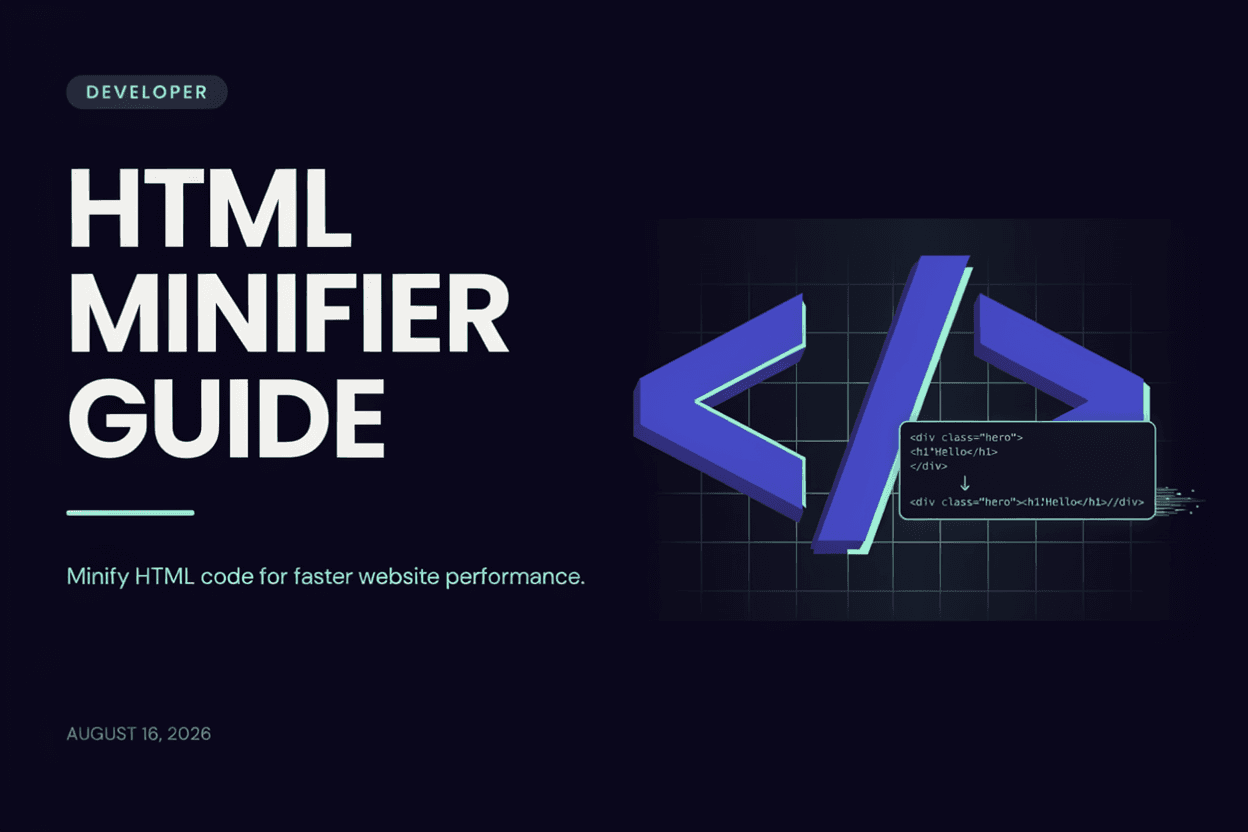
An HTML Minifier is a tool that reduces the size of HTML code by removing unnecessary whitespace, line breaks, comments, and redundant characters without changing how the page renders.
Why is it Important?
Minified HTML reduces page load times, saves bandwidth, and can contribute to better SEO rankings since search engines factor page speed into their ranking algorithms.
How Does it Work?
The tool parses your HTML code, strips out unnecessary whitespace, line breaks, and comments, and sometimes shortens attribute values, while preserving the exact structure and functionality of the page.
Step-by-Step Guide
- Open the HTML Minifier.
- Paste or upload your HTML code.
- Click the Minify button.
- Review the compressed output.
- Copy or download the minified HTML.
Examples
Minification Example
A 50KB HTML file with extensive comments and formatting can often be reduced to under 30KB after minification, without any visual change to the page.
Benefits
- Reduces file size and page load time.
- Saves bandwidth for both server and visitors.
- Can positively impact SEO through faster page speed.
- Removes clutter like comments before deploying to production.
- Free and accessible online.
Common Mistakes
- Minifying HTML before finishing development, making debugging harder.
- Not keeping an unminified source version for future edits.
- Assuming minification alone will drastically improve site speed.
- Minifying HTML with inline scripts that depend on specific formatting.
Frequently Asked Questions
Does minifying HTML break the page's functionality?
No, minification only removes unnecessary characters like whitespace and comments, leaving the page's structure and behavior unchanged.
Should I minify HTML during development?
It's best to minify only for production deployment, keeping a readable, unminified version for ongoing development and debugging.
How much can minification reduce file size?
Reduction varies based on the original file's formatting, but savings of 10-40% are common for heavily commented or indented HTML.
Does minifying HTML affect SEO directly?
Minification doesn't directly affect SEO, but the resulting faster page load time is a factor search engines consider in rankings.
Conclusion
An HTML Minifier is a simple step in your deployment process that trims unnecessary code, helping your website load faster and perform better.
Minify Your HTML Now
Use our free HTML Minifier to compress your code instantly.
Open HTML Minifier